BytePlus Lumina Review 2026: Seedream, Seedance AI Video and Image Creation Explained
Turn any topic into a captivating video. BytePlus Lumina brings image generation, video creation, editing, and visual inspiration into one AI creative workspace. Powered by BytePlus's Seedream image.
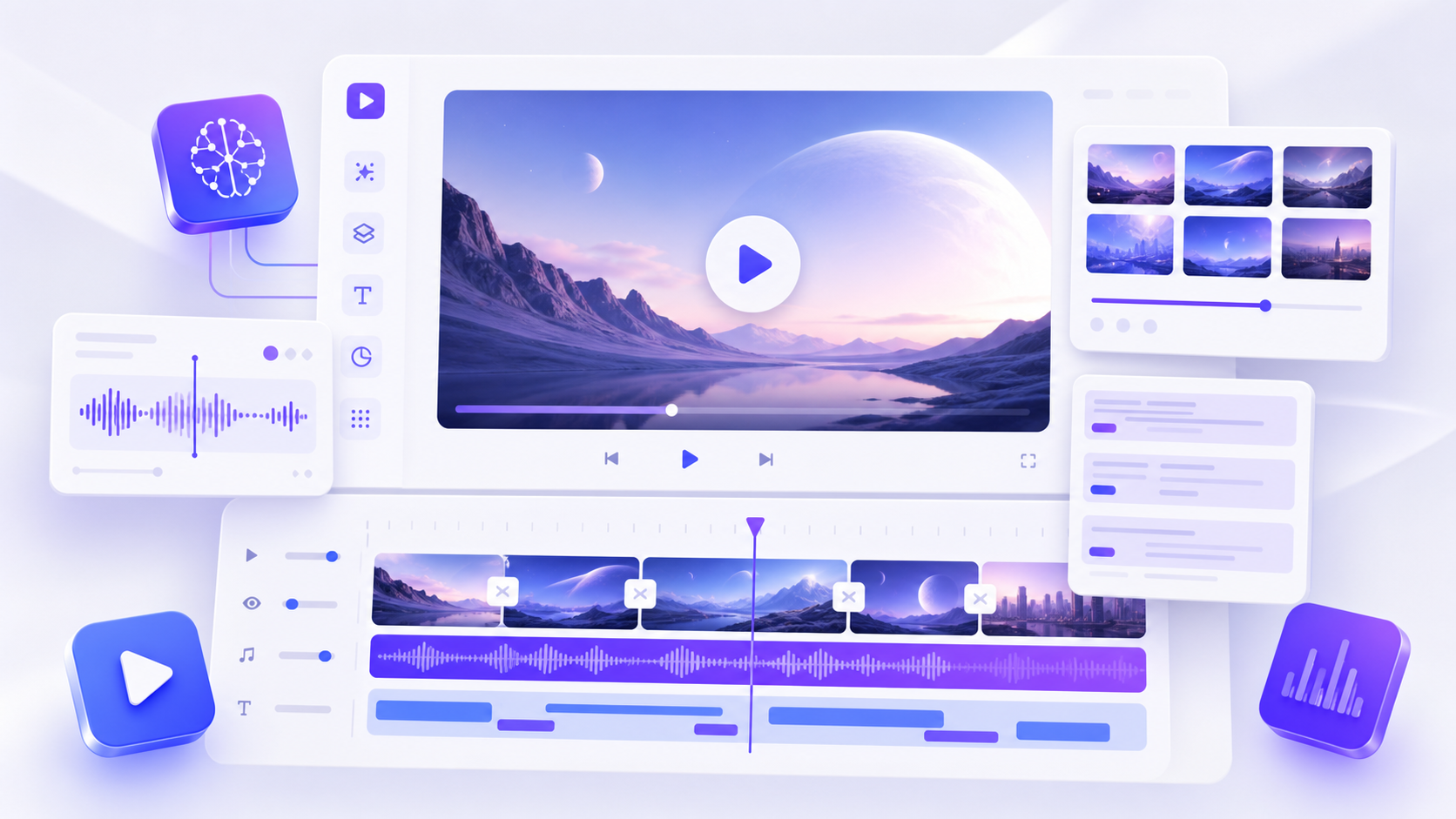
Turn any topic into a captivating video. BytePlus Lumina brings image generation, video creation, editing, and visual inspiration into one AI creative workspace. Powered by BytePlus’s Seedream image models and Seedance video models, it is designed for creators, marketers, designers, educators, and businesses that want to move from an idea to polished visual content without assembling a complicated production stack.
.jpg)
What is BytePlus Lumina?
Lumina is BytePlus’s intelligent creative platform for generating and refining images and videos. The official product material describes a full creative workflow covering image and text design, video production and editing, and inspiration discovery. Its foundation combines Seedream for image generation and controllable editing with Seedance for multimodal video generation.
This makes Lumina more than a single text-to-image tool. It is aimed at end-to-end content production: creating a visual, turning that visual into motion, directing camera movement and atmosphere, refining the result, and adapting the output for marketing, social media, e-commerce, education, or creative storytelling.
Key Lumina features
1. Seedream AI image generation
Seedream powers Lumina’s image workflows. BytePlus emphasizes semantic understanding and precise editable control, helping users create visuals that follow detailed prompts while retaining room for targeted changes. Typical uses include concept art, advertising graphics, product imagery, character generation, brand assets, and social media creative.
2. Seedance text-to-video
Lumina’s Seedance workflows turn a written prompt into a short cinematic video. Users can describe the subject, action, setting, mood, camera angle, lighting, and style. Official Lumina application pages show camera directions such as push-ins, pans, tracking shots, wide angles, and close-ups, alongside cinematic lighting and multi-scene storytelling.
3. Image-to-video creation
Creators can upload an image and use a prompt to define how it should move. The image anchors the subject and composition, while the prompt directs action, atmosphere, camera behavior, and visual style. This is useful for animating product shots, illustrations, campaign concepts, characters, and social media artwork.
.jpg)
4. Camera and style control
Prompt-level direction is one of Lumina’s most practical strengths. You can describe a slow dolly-in, an orbit around a product, a handheld documentary feel, dramatic shadows, commercial studio lighting, film grain, or a clean social-ad finish. Clear direction gives the model a stronger visual brief.
5. Multi-scene visual storytelling
Lumina can interpret a compact sequence of visual beats, such as an establishing shot, a close-up, and a final reveal. This helps users prototype advertisements, trailers, music-video moments, product teasers, and story concepts before committing to traditional production.
6. Editing and restyling
The platform supports creation and refinement. Users can explore style conversion, scene adjustments, camera enhancements, and new prompt variations after an initial generation. High-quality generative content often comes from testing several focused versions rather than relying on the first output.
Who should use Lumina?
- Content creators: short videos, visual hooks, thumbnails, music-video concepts, and social assets.
- Marketing teams: campaign directions, product teasers, ad concepts, and brand visuals.
- E-commerce teams: product displays, promotional images, virtual try-on concepts, and animated scenes.
- Designers: references, layouts, compositions, characters, and creative variations.
- Educators and businesses: visual stories and presentation-ready media.
How to create a Lumina AI video
- Start with a focused concept. Define the subject, action, environment, and purpose.
- Add visual direction. Specify camera movement, shot type, lighting, pacing, mood, and finish.
- Choose text-to-video or image-to-video. Upload a strong reference when consistency matters.
- Generate and review. Look for coherent motion, clear framing, and communication.
- Refine the prompt. Change one or two variables at a time.
Lumina prompt tips
A useful prompt structure is: subject + action + location + camera movement + lighting + mood + visual style. For example: “A silver running shoe rotating above a reflective studio floor, slow orbiting camera, crisp rim light, energetic commercial mood, premium product-film finish.” Keeping the central action clear usually produces a more readable short clip.
For image-to-video, begin with a clean reference and describe motion that fits it. Subtle camera movement and one clear subject action are often easier to control than several competing actions.
Lumina strengths and considerations
Lumina’s main advantage is the connection between professional image and video models inside a broader creative workspace. It shortens the path from ideation to a usable visual draft and offers directional control across commercial and creative projects.
Results depend on prompt clarity, reference quality, model selection, and iteration. Credit usage can vary by workflow and model, so review current plan details before committing, especially for many video variations.
Is BytePlus Lumina worth trying?
Lumina is a strong option for people who want AI image generation and cinematic short-video creation in one platform. Seedream supports visual generation and editing, while Seedance adds motion, camera direction, style, and multimodal storytelling. That combination suits social content, advertising, product presentation, concept development, and fast creative testing.
Try BytePlus Lumina through our partner link
Affiliate disclosure: DailyAIPedia may earn a commission when you sign up or purchase through partner links, at no additional cost to you. Product features and pricing can change; verify current details before subscribing.