Replit Review 2026: AI Chat, App Builder, Design Mode, Mobile Apps, and Deployment Features
Replit is no longer just an online IDE. In 2026, it is positioning itself as an AI workspace where you can research an idea, design the interface, build.
Replit is no longer just an online IDE. In 2026, it is positioning itself as an AI workspace where you can research an idea, design the interface, build the app, publish it, and keep improving it from one place.
If you are exploring AI app builders, Replit is one of the most practical platforms to watch because it combines coding, AI agents, design tools, hosting, databases, integrations, mobile workflows, and collaboration inside the same workspace.
What Is Replit?
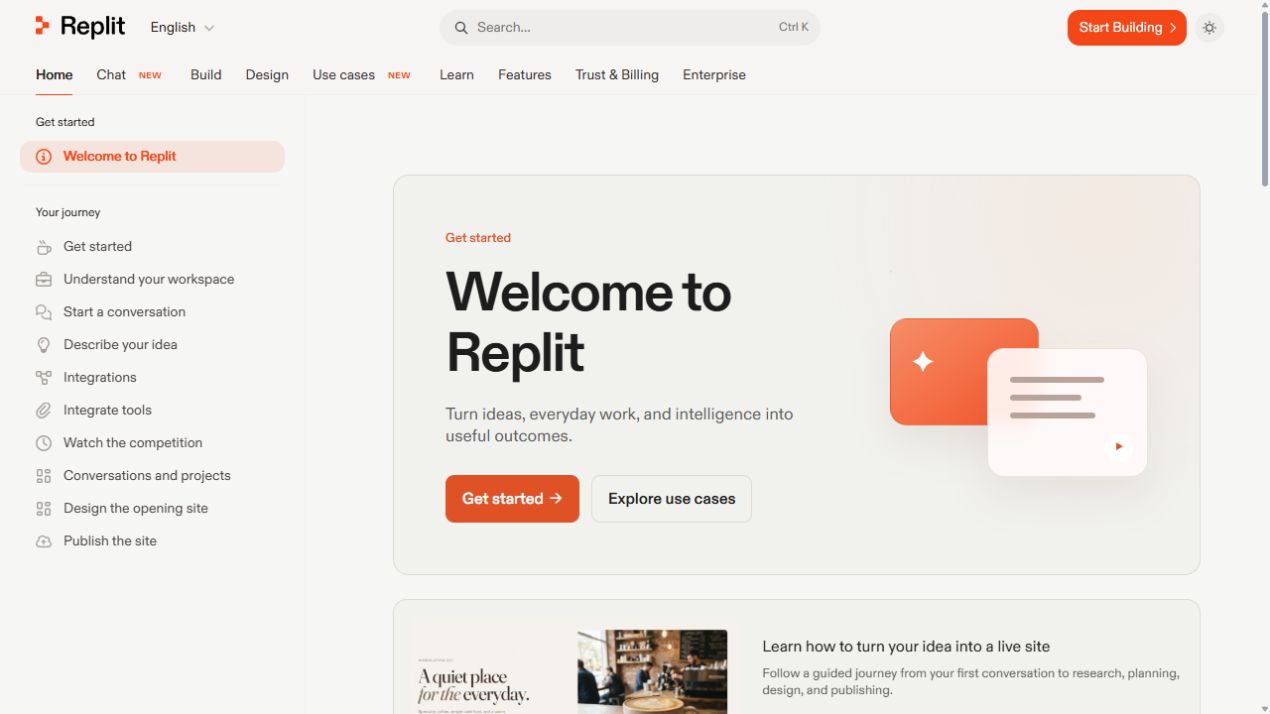
Replit is a browser-based software creation platform for building, testing, deploying, and collaborating on apps. The latest documentation highlights three main starting points: Chat, Build, and Design. That means users can begin with a question, a product idea, or a visual interface, then move toward a working project without constantly switching tools.
1. Replit Chat: Research, Plan, and Add Context
Replit Chat is built for conversations before and during a project. You can ask questions, research an idea, upload files, attach useful context, work with connected tools, and decide when a conversation should become a full project. For founders, creators, students, and small teams, this makes Replit useful even before the first line of code is written.
The platform also supports reusable instructions, memories, Skills, and MCP-style connections, which can help teams keep context consistent across repeated work.
2. Replit Build: Turn Prompts Into Apps and Websites
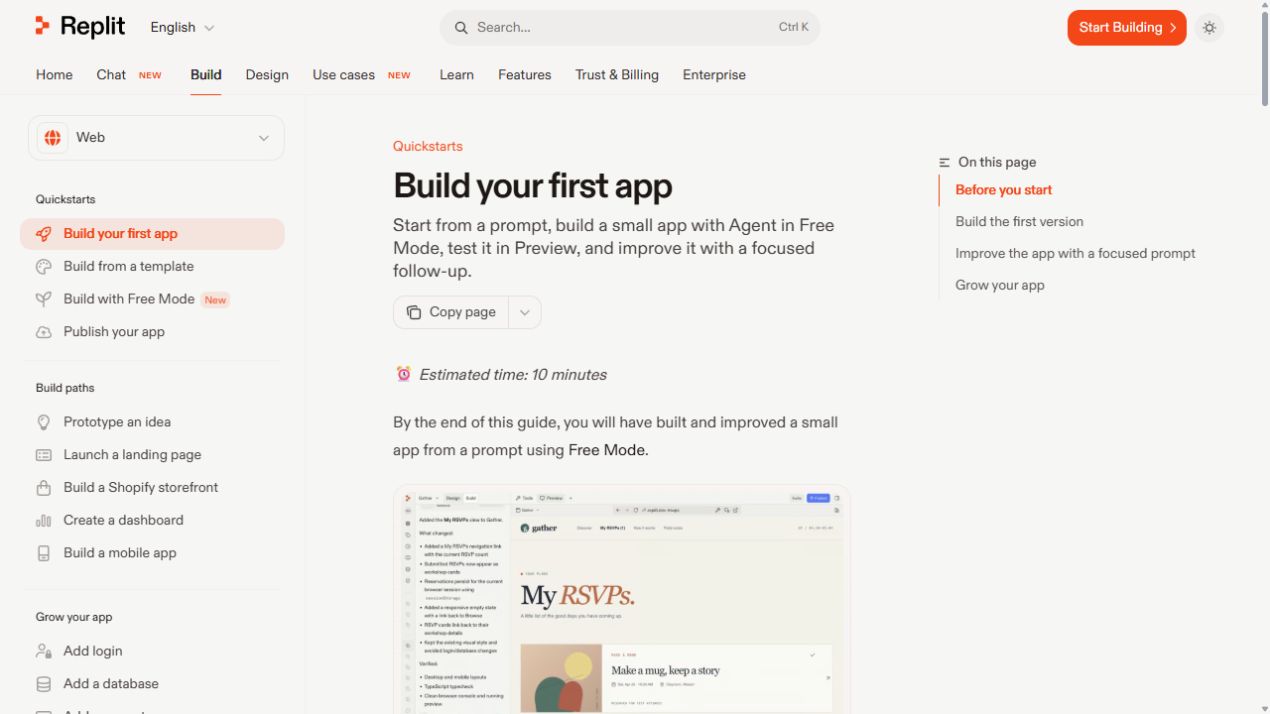
The Build experience is where Replit becomes especially useful for shipping. According to the official docs, users can start from a prompt, build a first app with Agent, test it in Preview, improve it with follow-up prompts, and publish the result. Replit also documents practical build paths such as product prototypes, landing pages, Shopify storefronts, dashboards from data, and mobile apps.
For growing an app, Replit includes guides around login, databases, payments, integrations, custom domains, feedback widgets, SEO improvements, and publishing troubleshooting. This gives builders a path from quick prototype to more complete product.
3. Replit Design: Create Interfaces Before You Build
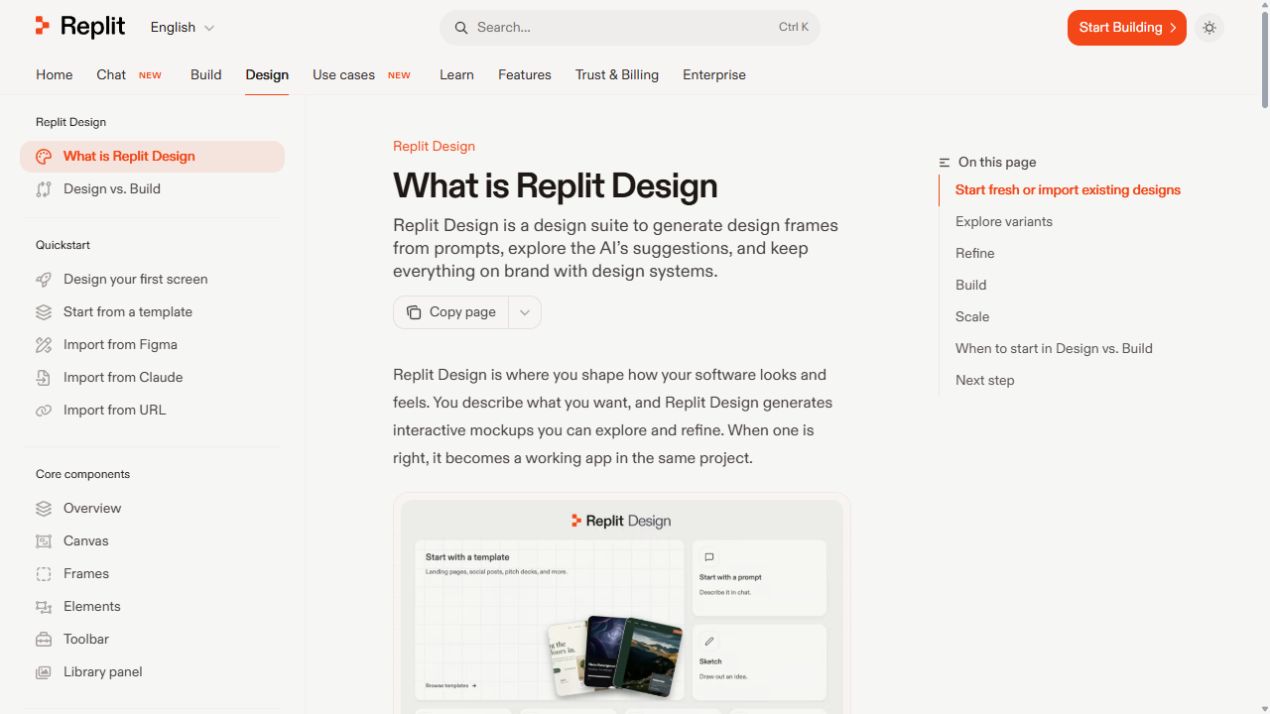
Replit Design is a major part of the current platform story. It lets users generate design frames from prompts, explore AI suggestions, refine layouts through chat or direct visual editing, and keep work on brand with design systems. It can also import Figma designs, Claude-generated designs, or existing websites as starting points.
This matters because many AI app builders jump straight from idea to code. Replit is making the design step more visible, giving teams a way to explore the product experience before committing to the final build.
4. Mobile App Building and App Store Workflows
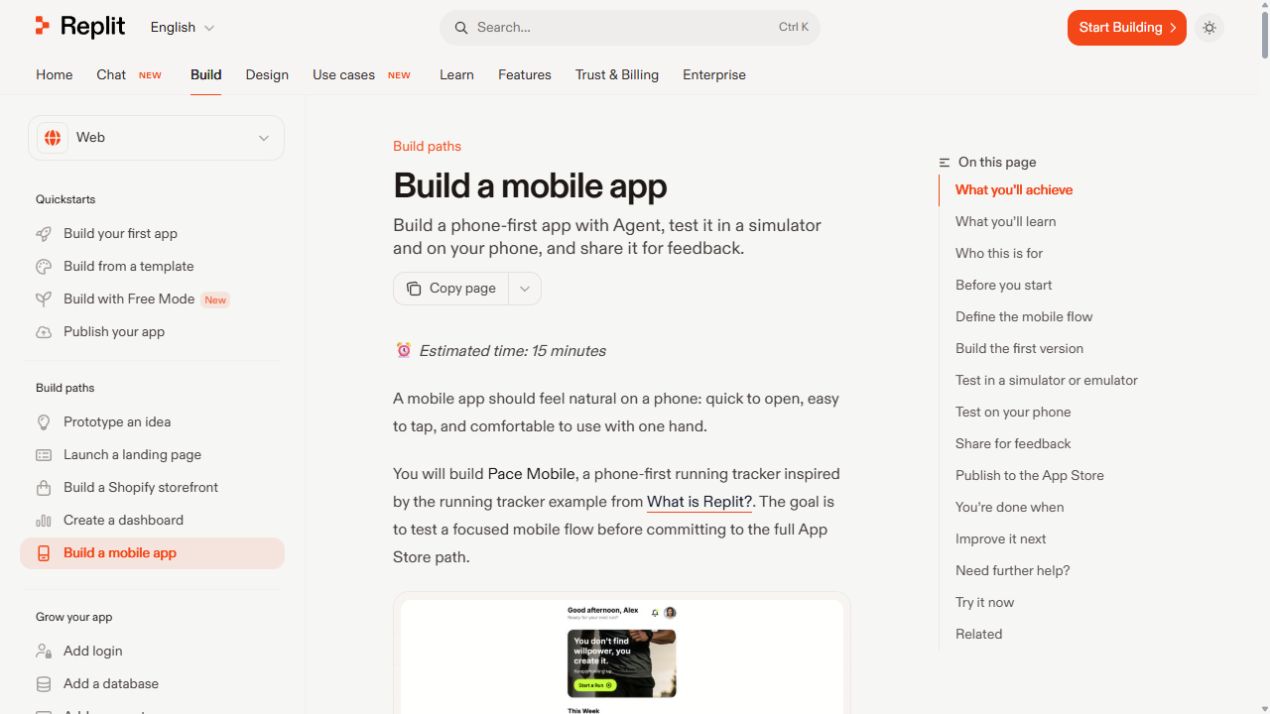
Replit’s mobile documentation shows a broader ambition than simple web apps. Users can build phone-first apps with Agent, test in a simulator or emulator, preview on their phone, share for feedback, and follow publishing paths for iOS and Android. The docs also cover mobile features such as login, RevenueCat payments, stored images, haptics, native iOS components, camera access, contacts, push notifications, reviews, app icons, and store screenshots.
5. Agent Modes, Model Routing, Voice, and Free Mode
Replit gives users different Agent Modes, including Free Mode, Power Mode, and Max Mode, depending on the level of work and available credits. The docs also describe intelligent model routing, manual model selection, effort settings, and Voice Mode for speaking prompts instead of typing them.
For non-technical users, this helps reduce the pressure of choosing the right AI model. For technical users, manual model choice gives more control when a task needs stronger reasoning or a specific style of output.
6. Collaboration, Imports, and Team Workspaces
Replit supports inviting teammates, creating team workspaces, importing projects from other providers, and letting multiple people work around the same project context. Each teammate can start new Agent threads while working on the same project, which is useful for parallel product, design, and engineering tasks.
Who Should Try Replit?
- Founders who want to prototype products quickly
- Creators who need landing pages, tools, dashboards, or simple apps
- Students learning how real apps are built and deployed
- Small teams that want AI help across planning, design, coding, and launch
- Developers who want an AI-assisted cloud workspace with publishing built in
Replit Pros and Things to Consider
Best parts: Replit combines AI chat, app building, interface design, preview, deployment, databases, payments, integrations, mobile workflows, and collaboration in one platform. That makes it unusually practical for fast product experimentation.
Keep in mind: Like any AI builder, final quality depends on clear prompts, good testing, and careful review before production use. More advanced projects may still need developer judgment for architecture, security, performance, and maintainability.
Final Verdict
Replit is one of the strongest AI app builder platforms for people who want to move from idea to working product quickly. Its latest direction makes it more than a coding environment: it is becoming an end-to-end AI workspace for planning, designing, building, launching, and iterating software.
SEO keywords: Replit review 2026, Replit AI app builder, Replit Agent, Replit Chat, Replit Build, Replit Design, AI coding platform, build apps with AI, Replit mobile app builder, no-code AI app builder, AI website builder, Replit deployment.