Softr Review 2026: New AI Agents, Secure Business Apps, Workflows, and No-Code Database Updates
Softr is moving from a no-code portal builder into a serious AI business app platform. Its newest updates focus on AI agents, secure app access, better team collaboration,.

Softr is moving from a no-code portal builder into a serious AI business app platform. Its newest updates focus on AI agents, secure app access, better team collaboration, stronger workflows, and more ways to build apps directly on top of business data.
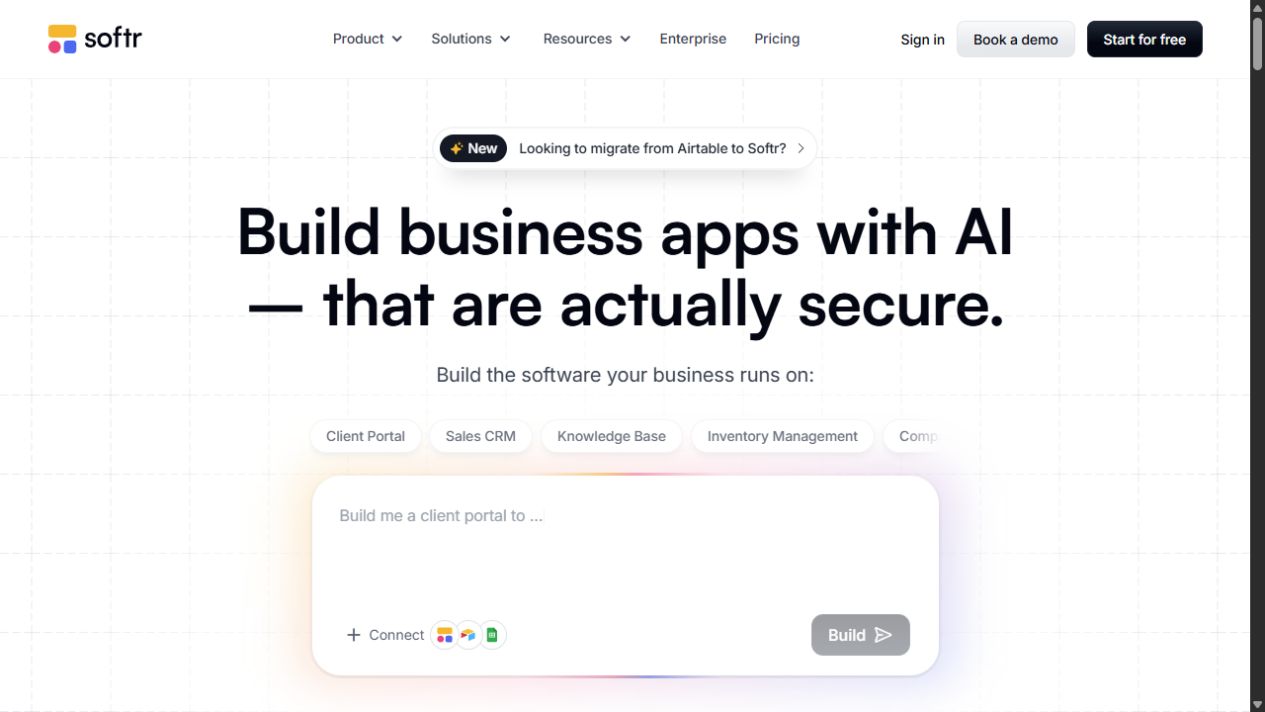
If you want to try Softr, use this invite link: get 10 free Softr credits here. Disclosure: this is a referral/invite link. Using it gives you 10 free credits to try Softr and may support DailyAIPedia.
What is Softr?
Softr is a no-code and AI app builder for creating business software such as client portals, internal tools, dashboards, CRMs, inventory systems, intranets, knowledge bases, and partner apps. Instead of writing code, users connect data sources, design pages, set permissions, automate workflows, and publish secure apps from one platform.
The big shift in 2026 is that Softr is not only helping users assemble apps visually. It is adding AI app building, Softr Agents, stronger security, more native data sources, and workflow automation features that make it more useful for real business operations.
Latest Softr updates in 2026
1. Softr Agents bring AI teammates into apps and workflows
One of Softr’s biggest new features is Softr Agents. Softr describes these as AI teammates that understand your apps, data, and workflows. There are two main types: App Agents and Scheduled Agents.
- App Agents live inside Softr apps. They can answer user questions and perform tasks while respecting the user permissions you already set in the app.
- Scheduled Agents run in the background on recurring schedules, similar to smarter recurring workflows.
This update matters because AI is most useful when it can act inside a real business system. For teams building client portals, employee tools, CRMs, and dashboards, Softr Agents could turn static apps into more helpful, task-oriented workspaces.
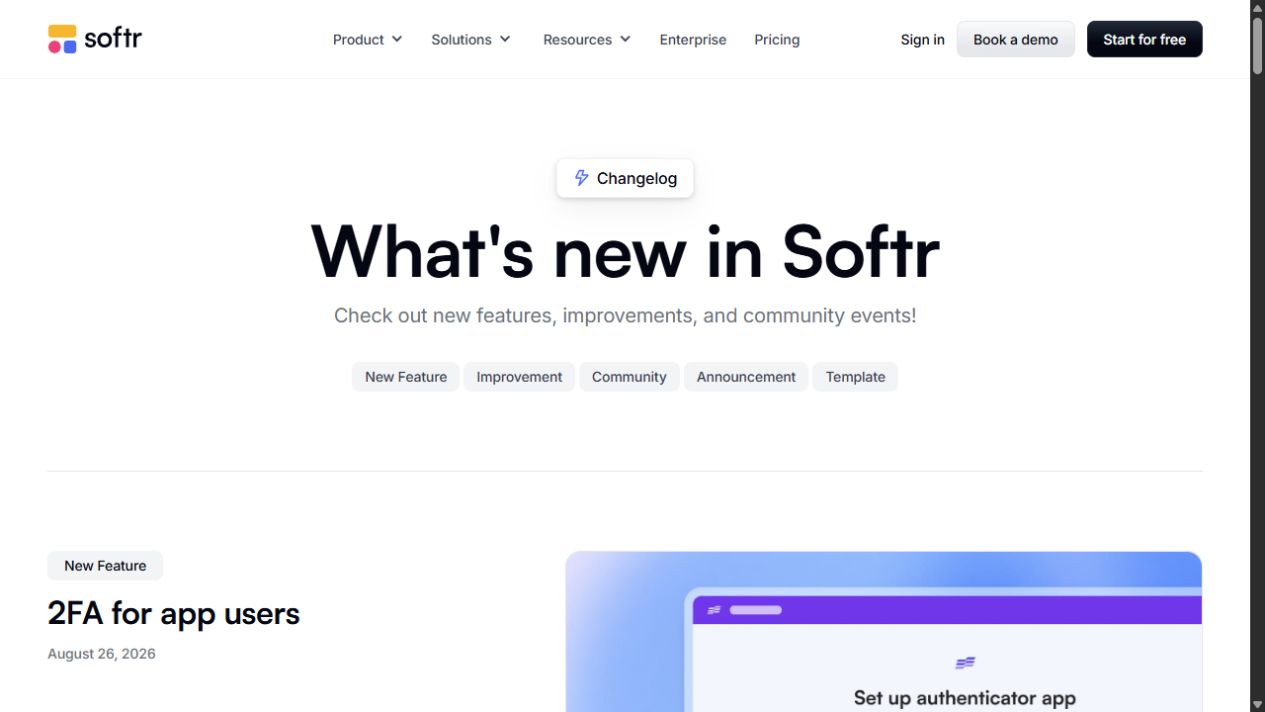
2. 2FA for app users improves security
Softr now supports authenticator app two-factor authentication for app users. Builders can make 2FA optional or enforce it for users. This is a major upgrade for anyone building portals that contain customer data, employee records, sales information, documents, inventory, or private dashboards.
Security is often the weak point in no-code app building. By adding 2FA for end users, Softr becomes a stronger choice for business apps that need more than a public landing page or simple form.
3. Workspace teams make collaboration cleaner
Softr’s new workspace teams feature lets businesses organize projects so only the right people can see them. Teams can also invite guests to specific workspaces, which is useful for agencies, freelancers, consultants, and external partners.
This is a practical update for growing teams. As a company builds more apps, portals, dashboards, and workflows, access control inside the builder becomes just as important as access control inside the finished app.
4. Item-level sharing gives better control
Softr has added item-level sharing for apps, databases, and workflows. The platform can also surface connected items, so sharing an app can extend the right permissions to related databases or workflows. For teams, this should reduce permission mistakes and make collaboration less messy.
5. More native data sources: Zoho CRM, Snowflake, Excel, Salesforce
Softr continues to expand the data sources builders can use without custom code. Recent additions include Zoho CRM, Snowflake, Microsoft Excel, and Salesforce. This makes Softr more flexible for businesses that already keep important information in spreadsheets, CRMs, or cloud data warehouses.
These integrations help builders create customer portals, sales dashboards, internal tools, executive dashboards, partner apps, and reporting tools directly from existing business data. Instead of migrating everything into one database first, teams can build apps on top of the systems they already use.
6. Database snapshots add safer recovery
Softr Database snapshots let users manually save copies of a Softr Database and restore a snapshot as a new database. Automated backups are still listed as coming later, but manual snapshots are already helpful for teams making major changes to app data or testing new workflows.
This is an important reliability feature for no-code builders. A visual builder is easier to use, but users still need a way to recover when a database structure or imported data changes unexpectedly.
7. Better workflows: retries, error handling, ZIP files, and integrations
Softr’s workflow engine also received several useful updates. Builders can replay failed workflow executions, allow workflows to continue even when one action fails, compress files into ZIP archives, and connect workflows to more tools such as ActiveCampaign, Brevo, Microsoft Excel, Xero, and new Stripe triggers.
For business apps, workflow reliability matters. A client portal might need to send notifications, create records, trigger billing, compress files, or update a CRM. The ability to replay failures and continue on non-critical errors makes Softr workflows more production-friendly.
8. Push notifications and chart color coding
Softr added push notifications for logged-in users on desktop and mobile. Builders can send custom notifications from workflows. On iOS, users need to install the app as a PWA to receive notifications.
Softr also added chart color coding, allowing teams to highlight chart values by group name or metric value. This is useful for dashboards where teams need to spot thresholds, trends, performance issues, or priority segments quickly.
9. Vibe Code block supports multiple data sources
The Vibe Code block can now connect to multiple data sources, with filters and sorting for each connected table. This gives advanced builders more room to create custom blocks and richer app experiences while still working inside Softr.
Who should try Softr?
- Founders who need a client portal, MVP, dashboard, or business app without hiring a full development team.
- Agencies building secure apps, portals, and dashboards for clients.
- Operations teams replacing spreadsheet-heavy workflows with internal tools.
- Sales and customer teams building portals on top of CRM data from Salesforce, Zoho CRM, HubSpot, or similar systems.
- Data teams that want dashboards and tools connected to sources like Snowflake, Excel, Airtable, Google Sheets, and Softr Databases.
SEO keywords for Softr builders
Keywords: Softr review 2026, Softr AI app builder, Softr Agents, no-code business app builder, Softr workflows, Softr database, Softr alternatives, build client portal without code, AI internal tool builder
Final verdict
Softr is becoming one of the strongest no-code AI app builders for real business software. The latest updates make it more secure, more collaborative, more automation-friendly, and more connected to the data tools companies already use.
The most exciting update is Softr Agents, because it brings AI directly into apps and recurring operations. Combined with 2FA, workspace teams, database snapshots, native data sources, and workflow reliability upgrades, Softr now looks less like a simple portal builder and more like a complete business app platform.
Try Softr with 10 free credits: use this Softr invite link.
Sources researched
This post was researched from Softr’s official product pages and changelog. To explore Softr yourself and claim 10 free credits, use the invite link: Softr invite link.