BytePlus Lumina: Seedance 2.5 and Seedream 5.0 Pro Explained
Turn any topic into a captivating video.Create music videos, explainer videos, and more visual stories in seconds with Lumina. AI video creation workflows are becoming faster, longer, and.

Turn any topic into a captivating video.
Create music videos, explainer videos, and more visual stories in seconds with Lumina.
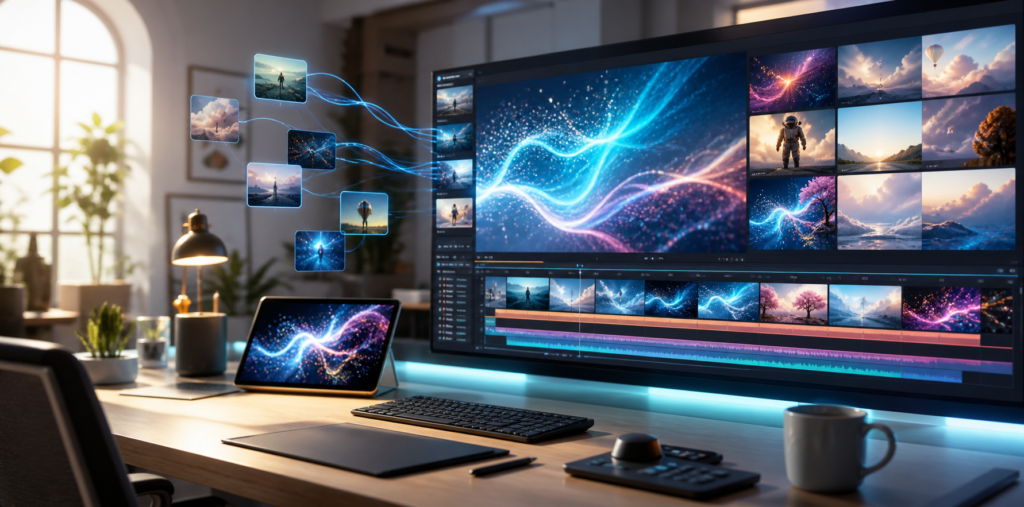
BytePlus Lumina is moving quickly from a simple AI creation tool into a broader creative workspace for video, image, apps, and canvas-based workflows. The latest updates make Lumina especially interesting for creators, marketers, educators, and small teams that want to turn ideas into publishable visual content without jumping between several different tools.
What is Lumina?
Lumina is BytePlus and ByteDance’s all-in-one AI creative platform. It brings together prompt-to-video, image generation, editing workflows, creative templates, e-commerce visuals, digital human demos, social content, and inspiration browsing inside one workspace.
If you want to try Lumina, use this link: Try BytePlus Lumina here. Disclosure: this is a referral/affiliate link, which may support DailyAIPedia if you sign up or purchase through it.
1. Seedance 2.5 brings longer AI video generation
The biggest update around the BytePlus creative stack is Dreamina Seedance 2.5. BytePlus describes it as a next-generation video creation model built for longer storytelling and richer references. The official BytePlus AI page says Seedance 2.5 supports direct 30-second video output, up to 50 multimodal reference assets per request, professional editing and extension, and support for more than 10 languages.
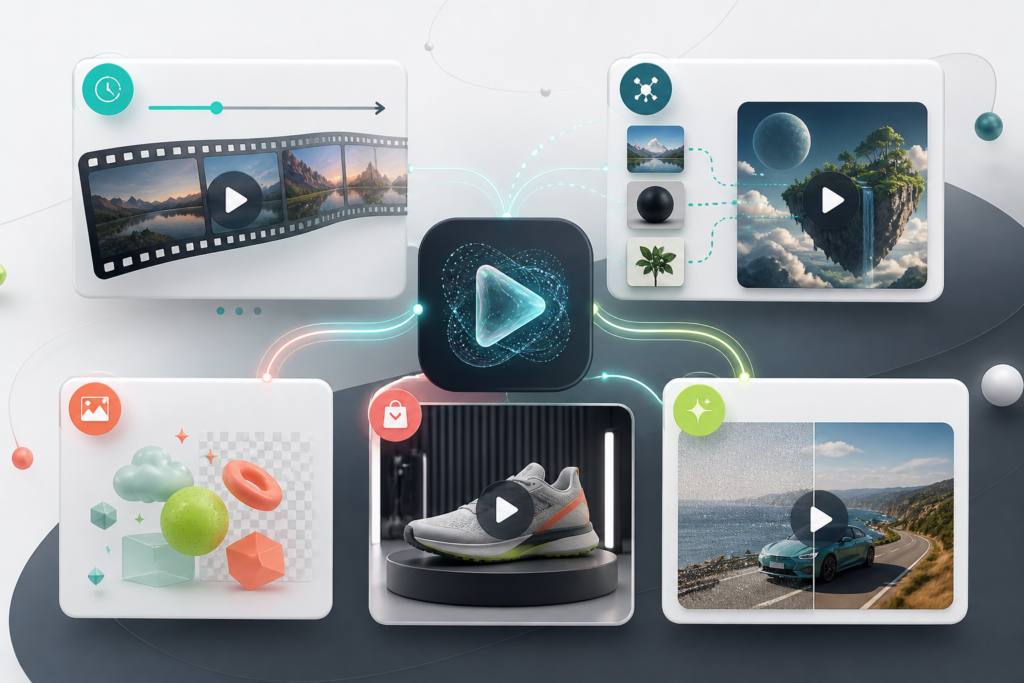
That matters because many AI video tools are still best for short isolated clips. A 30-second single-shot output gives creators more room for a complete idea: an intro, a product moment, a visual transition, and a stronger ending. The ability to reference images, audio, video, and text also makes Lumina more useful when you need brand consistency or a specific visual direction.
2. Lumina now feels more like a full creative workspace
BytePlus positions Lumina as an AI creative platform for images, videos, apps, and canvas. In the AI Playground, Lumina is listed as “Your AI creative workspace,” with templates and workflows for e-commerce, retail, media, entertainment, filming, images, and video.
This is useful for creators who do not want to start from a blank prompt every time. Lumina includes scenario-based workflows such as product videos, e-commerce video ads, digital human product demos, short drama clips, game scene design, virtual clothing try-on, virtual footwear try-on, multi-angle product imagery, and lifestyle banner creation.
3. Seedream 5.0 Pro upgrades image and design generation
Lumina is not only about video. BytePlus also highlights Dola Seedream 5.0 Pro, an image generation model focused on multimodal reasoning, visual understanding, precise control, and subject consistency. For marketers and content teams, this can help with campaign images, e-commerce visuals, thumbnails, social posts, concept art, and branded creative variations.
The key improvement is control. Better subject consistency and design understanding mean creators can spend less time regenerating from scratch and more time refining the exact visual they need.
4. New video and marketing workflows are more practical
Lumina’s newer app-style workflows are built around practical outputs rather than demos. For example, the AI Product Video Generator turns a product image and short prompt into a product introduction, explainer, promotional video, or e-commerce video. Other workflows focus on video ads, product showcases, virtual try-ons, and social media campaigns.
For businesses, this is where Lumina becomes more than a fun generator. It can help teams test creative angles quickly: product launch clips, ad concepts, short explainers, campaign visuals, and educational videos can all start from a prompt or reference asset.
5. Video quality enhancement and assessment tools are part of the ecosystem
BytePlus also lists video quality enhancement and video assessment among its AI tools. The quality enhancement feature is described as supporting 8K enhancement for AIGC, short dramas, TV series, and short videos, including sharper visuals and intelligent face restoration. Video assessment offers one-click compliance pre-checks for short videos.
These features are important because AI creation does not end at generation. Teams also need to upscale, review, check, and prepare videos for real publishing environments.
6. Current Lumina offer and pricing signals
BytePlus is currently promoting a Seedance 2.5 launch bonus on Lumina: 7 minutes of Seedance 2.5 generation in 480p for free, plus up to 50% off monthly plans. Pricing and offers can change, so check the official Lumina page before purchasing.
Who should try Lumina?
- Content creators who want music videos, visual stories, YouTube shorts, reels, and prompt-based video ideas.
- Marketers who need fast product videos, ad concepts, banners, and campaign visuals.
- E-commerce teams creating product demos, try-on visuals, and short promotional clips.
- Educators and founders who want explainer videos without a full production workflow.
- Designers who want image generation, style exploration, and product visual variations in one workspace.
Final take
The latest Lumina updates show BytePlus pushing toward a more complete AI creative platform: longer video generation with Seedance 2.5, stronger image intelligence with Seedream 5.0 Pro, more practical app workflows, and support tools for enhancement and review. If your workflow depends on fast visual storytelling, Lumina is becoming one of the AI video tools worth testing.
Try it here: BytePlus Lumina referral link