MeDo Review 2026: Build Full-Stack Web and Mobile Apps With a No-Code AI App Builder
MeDo is an AI app builder designed to turn plain-language ideas into working full-stack web and mobile apps. Instead of starting with setup, wireframes, backend planning, or database.

MeDo is an AI app builder designed to turn plain-language ideas into working full-stack web and mobile apps. Instead of starting with setup, wireframes, backend planning, or database design, MeDo asks what you want to build and then generates a usable product you can test, improve, and publish.
For creators, students, founders, agencies, and small teams, MeDo is interesting because it focuses on the complete product: interface, backend, APIs, database, user access, and a live app URL.
What Is MeDo?
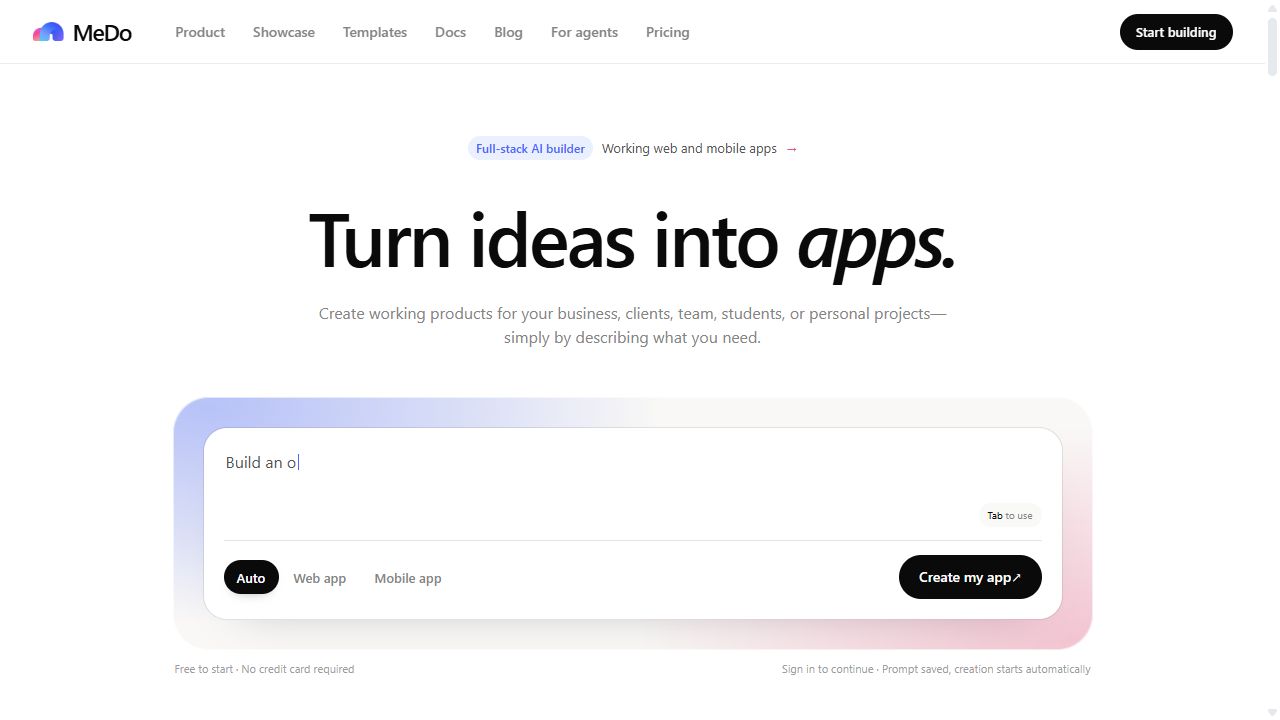
MeDo is a no-code AI platform for building full-stack apps. The platform describes itself as a way to create working products for businesses, clients, teams, students, or personal projects simply by describing what you need.
The key promise is simple: start with the outcome. You describe the website, tool, portal, dashboard, mobile app, booking system, internal product, or customer-facing experience you want, and MeDo generates a connected app that can be used and improved through conversation.
1. One Prompt Can Become a Complete Product
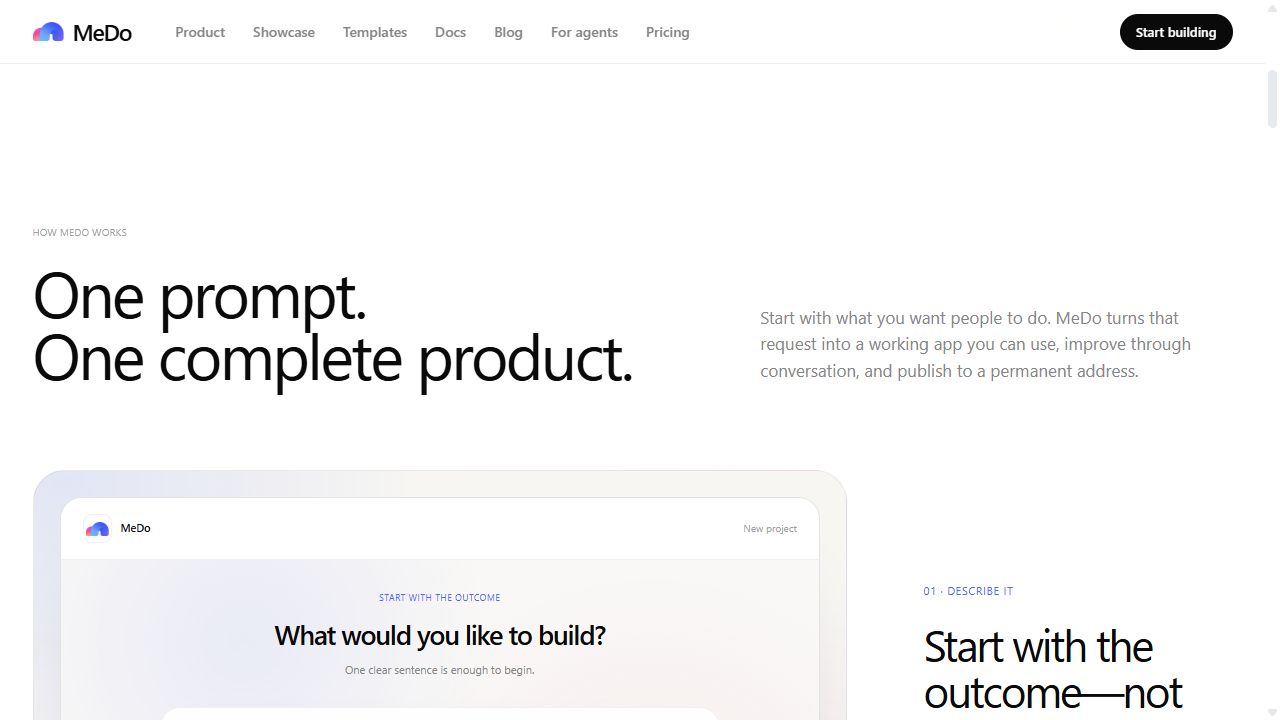
MeDo’s main workflow is built around three steps: describe it, use it and improve it, then publish it. This is different from static mockup generators because MeDo opens a working application that can be tested, revised, and shared.
You can ask for changes to the interface, workflows, or data after the first version is created. That conversational editing loop is useful when you are still discovering what the app should become.
2. Web Apps and Mobile Apps
MeDo supports working web apps and mobile app experiences. The homepage highlights responsive websites, portals, tools, complete browser experiences, and touch-ready mobile flows. This makes it a practical option for people who want to build beyond a simple landing page.
3. Backend, APIs, and Database Included
A strong part of MeDo’s offer is that backend logic, APIs, and a connected database are included with the generated product. That means the app is not just a visual shell. Records, workflows, permissions, and app data can stay connected to the product experience.
For internal tools, dashboards, booking apps, marketplaces, portals, and operational workflows, this is one of the most important features to look for in an AI app builder.
4. Accounts, Permissions, and Access Rules
MeDo lists accounts and permissions as part of every build. That matters when you want users to sign in, see their own data, or access only the parts of an app that are meant for them. For client portals, school tools, membership apps, and team products, built-in access rules can save a lot of setup work.
5. Publish to a Permanent Free App URL
Once the app is ready, MeDo lets users publish to a permanent free MeDo address. The site emphasizes that the app, backend, and database stay connected after launch, and the product remains editable. This makes MeDo useful for quick launches, client demos, MVPs, classroom projects, and public experiments.
6. Templates, Showcases, and Real Examples
MeDo also includes templates and live examples across categories such as websites, marketing, productivity, e-commerce, tools, games, surveys, blogs, and more. Templates are helpful when you want a faster starting point or need inspiration for how a finished product could look.
Who Should Try MeDo?
- Founders who want to test MVP ideas quickly
- Freelancers and agencies building client tools or websites
- Students and educators creating practical app projects
- Small businesses that need booking apps, dashboards, portals, or simple workflows
- Creators who want to turn ideas into working web or mobile products without managing code
MeDo Pros and Things to Consider
Best parts: MeDo focuses on working products, not just mockups. It includes web and mobile app creation, backend logic, APIs, databases, accounts, permissions, live publishing, and conversational editing.
Keep in mind: As with any AI-generated app, you should test workflows, review copy, check permissions, and validate important business logic before using it in production.
Final Verdict
MeDo is a promising no-code AI app builder for people who want to move from idea to usable product quickly. Its biggest strength is the complete-app approach: prompt, working app, backend, database, user access, live URL, and ongoing editing in one flow.
SEO keywords: MeDo review 2026, MeDo AI app builder, no-code AI app builder, build full-stack apps with AI, AI mobile app builder, AI web app builder, prompt to app builder, full-stack no-code platform, MeDo templates, MeDo app publishing.