Wispr Flow Review 2026: AI Voice Dictation, Notetaker, Pricing and Features
Wispr Flow is a voice-to-text app that turns natural speech into clean, formatted writing inside almost any application you already use. Instead of dictating raw words and fixing.
Wispr Flow is a voice-to-text app that turns natural speech into clean, formatted writing inside almost any application you already use. Instead of dictating raw words and fixing them later, you hold a shortcut, talk the way you normally would, and Flow removes filler words, adds punctuation, matches the tone of the app you are writing in, and pastes finished text. In 2026 the product has grown past dictation alone, adding a Mac Notetaker for meetings, mobile apps, 100+ language support, and enterprise-grade compliance.
Affiliate disclosure: This article contains referral links. If you sign up through them, DailyAIPedia may earn a commission at no extra cost to you. Plan availability, pricing, and features may change.
What is Wispr Flow?
Wispr Flow is a dictation layer that sits on top of your operating system. It does not require an integration, plugin, or browser extension for each app. You press a hotkey, speak, release, and the finished text appears wherever your cursor is: Gmail, Slack, Notion, iMessage, a code editor, a support ticket, or a prompt box in ChatGPT or Claude.
The difference from built-in dictation is the editing pass. Standard speech-to-text transcribes what you said. Flow interprets what you meant, so a rambling sentence with two restarts and a mid-thought correction comes out as one clean paragraph.
How the dictation actually works
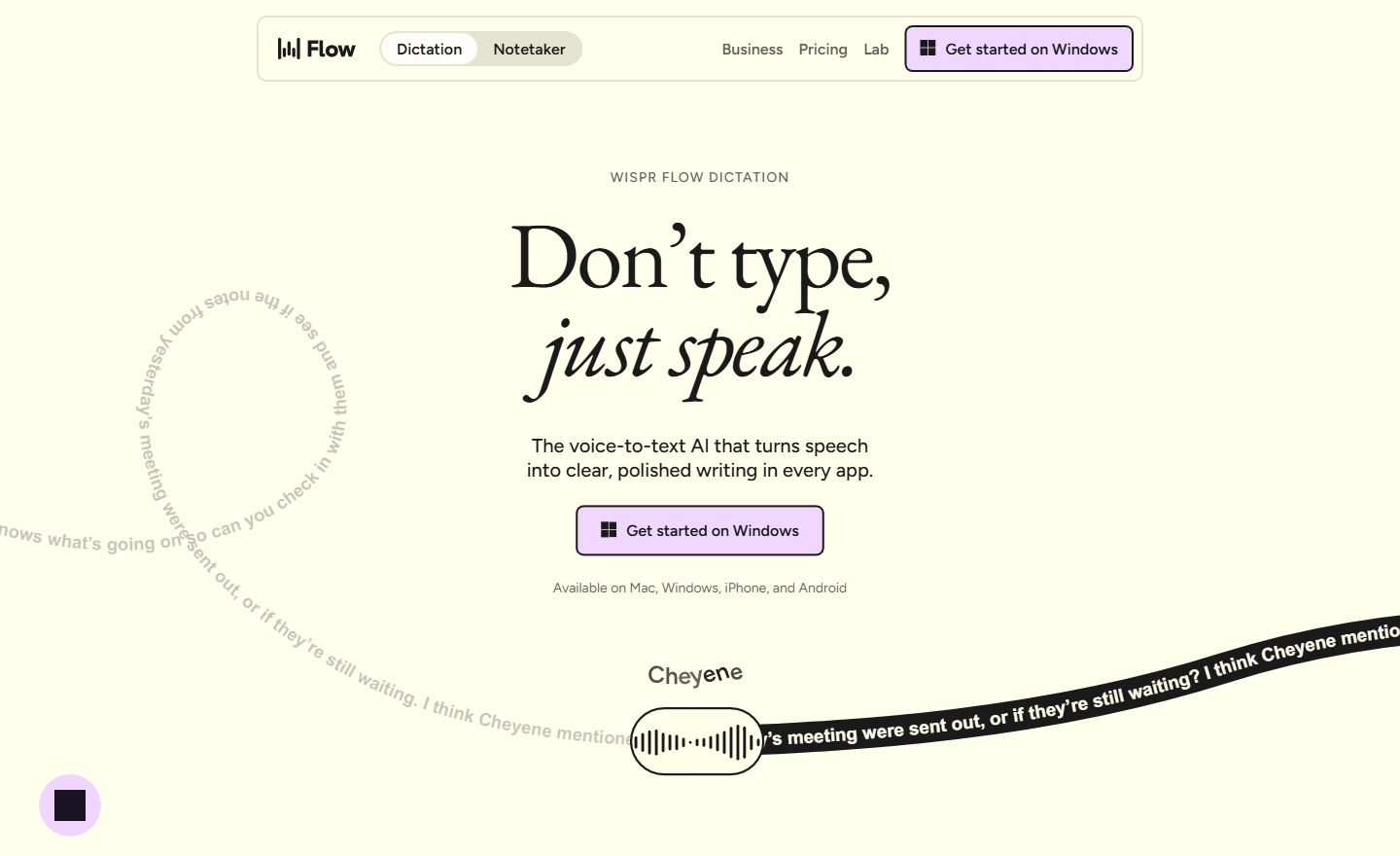
Flow’s value is in what happens between speech and output. The app handles pauses, false starts, and self-corrections, then formats the result based on context. Dictate into a messaging app and you get short, casual lines. Dictate into an email client and you get paragraphs with proper punctuation.
Several features make it more usable over time:
- Personal dictionary: Flow learns names, product names, acronyms, and technical jargon so they stop coming out misspelled.
- Snippets: Save frequently used phrases, addresses, or blocks of boilerplate and trigger them by voice.
- Tone matching: The output adapts to the app you are writing in, so the same sentence lands differently in Slack than in a document.
- Automatic cleanup: Filler words, repeated words, and stray “ums” are removed before the text is inserted.
- Accent handling: The model is built to work across language variants rather than a single reference accent.
Speed: is it really 4x faster than typing?
Wispr Flow advertises roughly 220 words per minute against an average typing speed of about 45 words per minute. The raw speech number is realistic for most people, because talking is simply faster than typing. The honest caveat is that dictation speed only translates into real time savings for first drafts, replies, notes, and messages.
Work that needs careful structure, code, tables, or precise formatting will still involve the keyboard. The practical win is usually in volume communication, where a large share of daily typing is email, chat, briefs, and prompts.
Where Wispr Flow runs
Flow is available on macOS, Windows, iPhone, and Android. Because it works at the input level, it functions in essentially any text field, including native apps, web apps, terminals, and AI chat interfaces. That system-wide behavior is the main reason users describe it as replacing typing rather than sitting alongside it.
Language coverage is broad: more than 100 languages for dictation, with automatic detection rather than manual switching. Mixed-language speakers can move between languages without changing a setting.
Notetaker: AI meeting notes
Notetaker is the second product inside Flow. It detects and records calls, produces a transcript, and generates summaries organized by topic with decisions and next steps pulled out. A “What did I miss?” feature summarizes the last few minutes of a call you joined late or drifted away from.
It pulls context from your calendar and contacts to spell names correctly, runs a second model pass to correct transcription errors, and connects to Claude, ChatGPT, and other AI tools through MCP so you can query your meeting history. It works with Zoom, Google Meet, Teams, Slack Huddles, Discord, and browser-based calls.
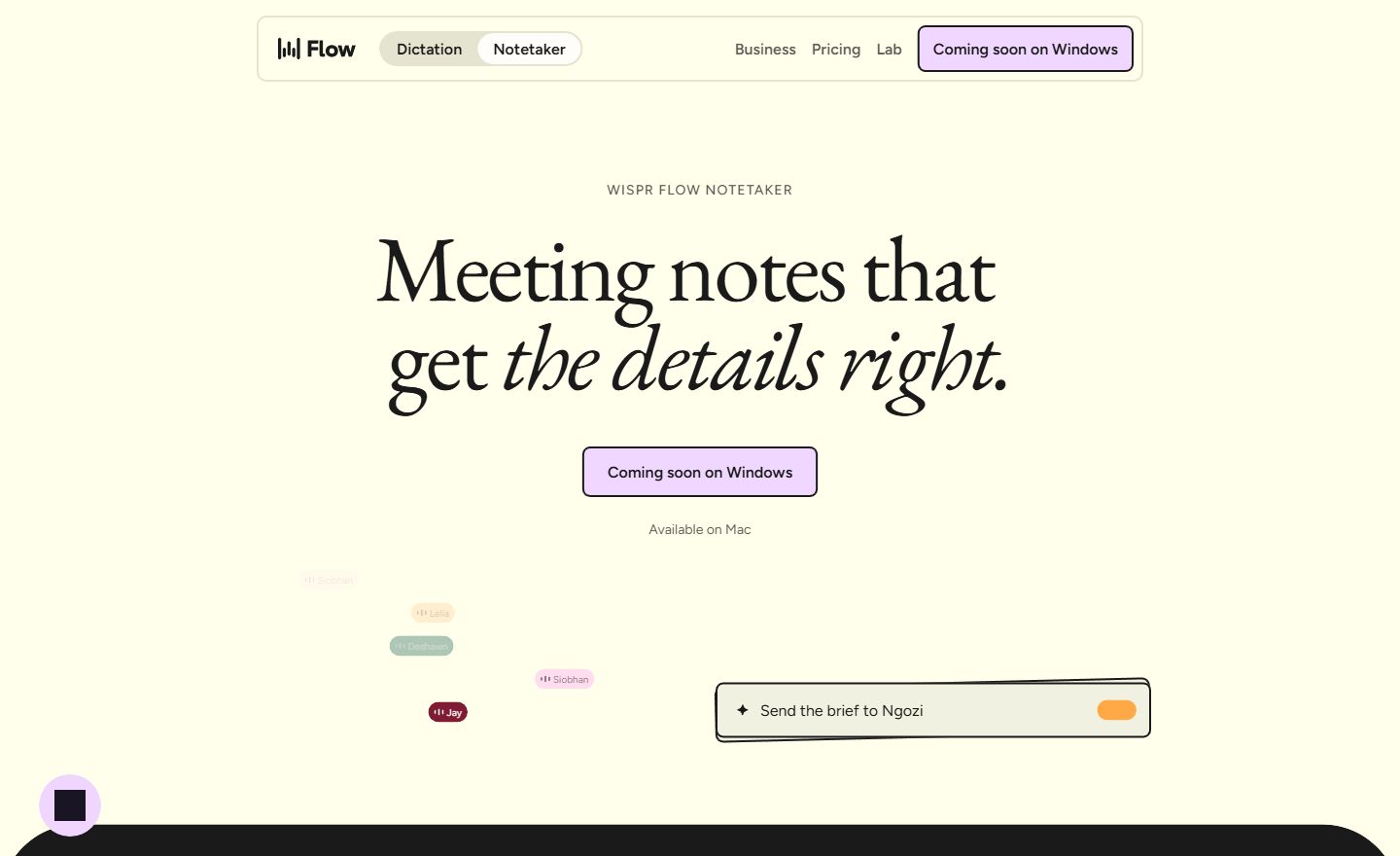
Two limits matter here. Notetaker is Mac-only today, with Windows on the roadmap, and speaker identification is most accurate on video calls where each person joins from their own device. Notetaker language support is also narrower than dictation, at around 21 languages.
Wispr Flow pricing in 2026
Flow is free to start and priced per user above that. Annual billing carries a 20% discount.
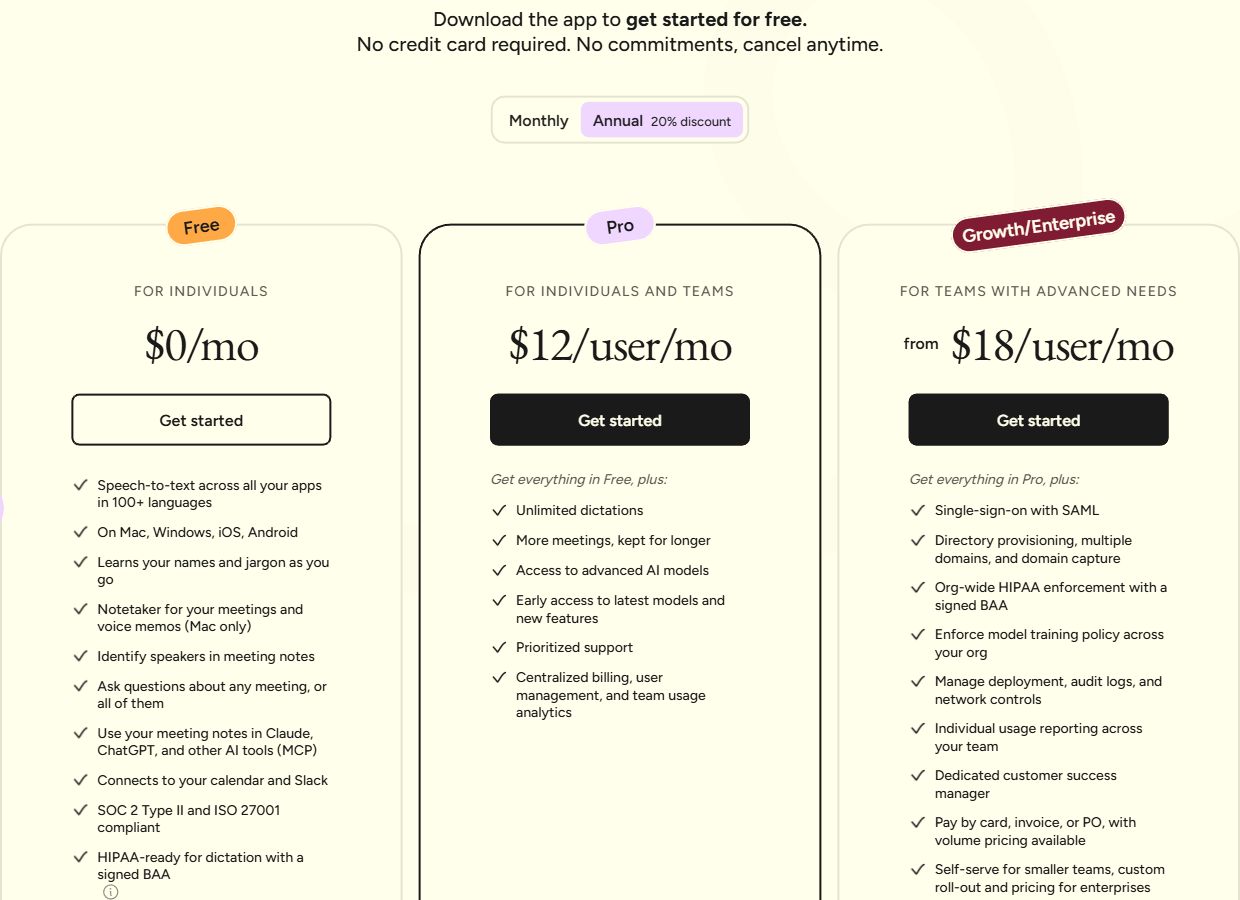
| Plan | Price | Best for |
|---|---|---|
| Free | $0 | 2,000 words per week on desktop, 1,000 on iPhone, unlimited on Android |
| Pro | $15/user/month, or $12 billed annually | Unlimited dictation, higher meeting limits, longer retention, early access to new models |
| Growth | $23/user/month, or $18 billed annually | Teams that need SAML single sign-on, admin controls, and org-wide HIPAA enforcement |
| Enterprise | Custom, annual only | SCIM provisioning, audit logs, domain capture, managed deployment, SLAs |
The free tier is genuinely usable for testing. Two thousand words a week is roughly a few long emails a day, which is enough to find out whether voice-first writing suits your workflow before paying.
Security and compliance
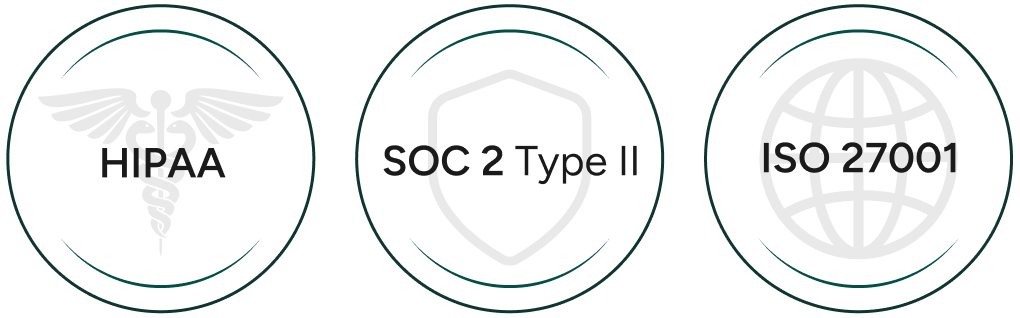
Flow lists SOC 2 Type II and ISO 27001 compliance, with HIPAA-ready dictation and a signed BAA available. Users can opt out of model training at any time and delete stored data, and higher plans let an administrator enforce that policy across an entire organization.
Anyone recording meetings should still confirm local consent requirements. Notice obligations vary by country and state, and the responsibility sits with the person running the recording, not the software.
Who should use Wispr Flow?
Flow fits people who write a high volume of short-to-medium text: founders clearing inboxes, sales teams sending follow-ups, developers writing commit messages and prompts, lawyers dictating notes, students drafting outlines, and creators producing scripts. It also suits anyone who thinks faster than they type, or who finds long typing sessions physically uncomfortable.
It is a weaker fit if most of your writing is code, structured spreadsheets, or heavily formatted documents, or if you work in an environment where speaking out loud is not practical. Shared offices and open-plan desks are the most common reason people abandon dictation tools.
Limitations worth knowing
- Notetaker is Mac-only right now, with Windows still listed as coming soon.
- Notetaker covers around 21 languages, far fewer than dictation’s 100+.
- The free tier’s weekly word cap is per platform and resets weekly, not daily.
- Dictation requires a quiet enough environment and a decent microphone for best results.
- Speaker labeling is less reliable when several people share one room and one device.
Verdict
Wispr Flow is one of the stronger arguments that voice is finally a practical primary input for everyday writing. The editing layer is what separates it from built-in dictation: you get finished sentences instead of a transcript you then have to repair. Add system-wide availability, 100+ languages, a capable meeting notetaker, and compliance credentials that satisfy IT teams, and it becomes a reasonable default for communication-heavy roles.
Start on the free plan, use it for a week of real email and chat, and see how much of your typing actually moves to voice. If more than half of it does, the Pro plan pays for itself quickly.
Choose Wispr Flow if you write a lot of email, chat, notes, and AI prompts and want finished text from natural speech. Look elsewhere if your work is mostly code or heavily formatted documents.