ChatGPT Images 2.5 Review 2026: Sketch, Faster Generation, Precision Editing and API Models
No affiliate relationship: we hold no referral or affiliate link for OpenAI, so nothing on this page is monetised. Every claim below is sourced to OpenAI’s own announcement.
No affiliate relationship: we hold no referral or affiliate link for OpenAI, so nothing on this page is monetised. Every claim below is sourced to OpenAI’s own announcement or API documentation, re-checked on 12 October 2026. Screenshots are OpenAI’s official examples, not our test results.
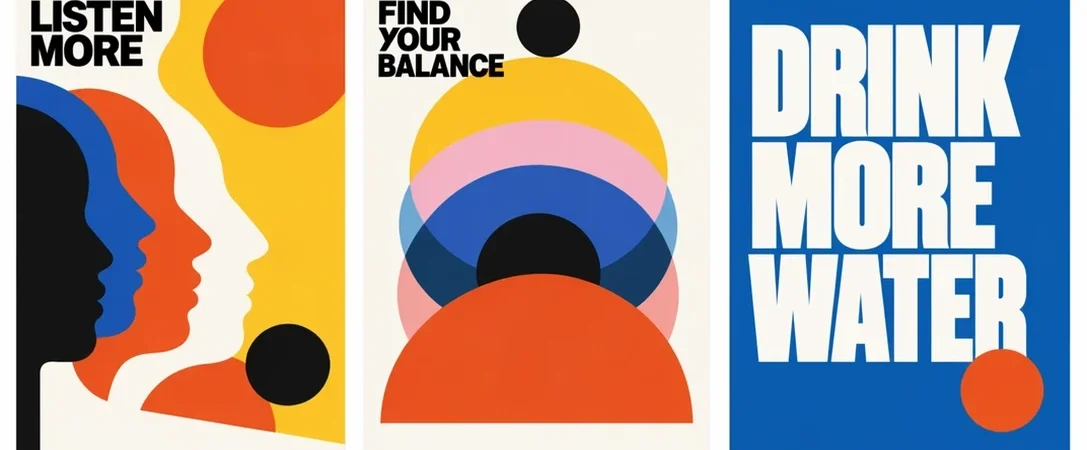
ChatGPT Images 2.5 arrived on 8 September 2026 with a faster image engine, tighter editing control, and new ways to move from an idea to a finished visual. The update is broader than a quality bump: OpenAI has added Sketch, reusable templates, image comments, prompt sharing, stronger reference-image fidelity, and two API models aimed at different production needs.
For creators, marketers, designers, and developers, the practical promise is simple: spend less time rewriting prompts and repairing unintended changes. Here is what is new, where it matters, and what to test before making it part of a real workflow.
ChatGPT Images 2.5 at a glance
- Up to 50% lower latency: OpenAI says image generation can be up to 50% faster than Images 2.
- More precise edits: requested areas can change while unrelated details remain more stable.
- Improved reference fidelity: people, products, and recurring subjects are better preserved across generations.
- Sketch: draw a rough composition in ChatGPT and turn it into a finished image.
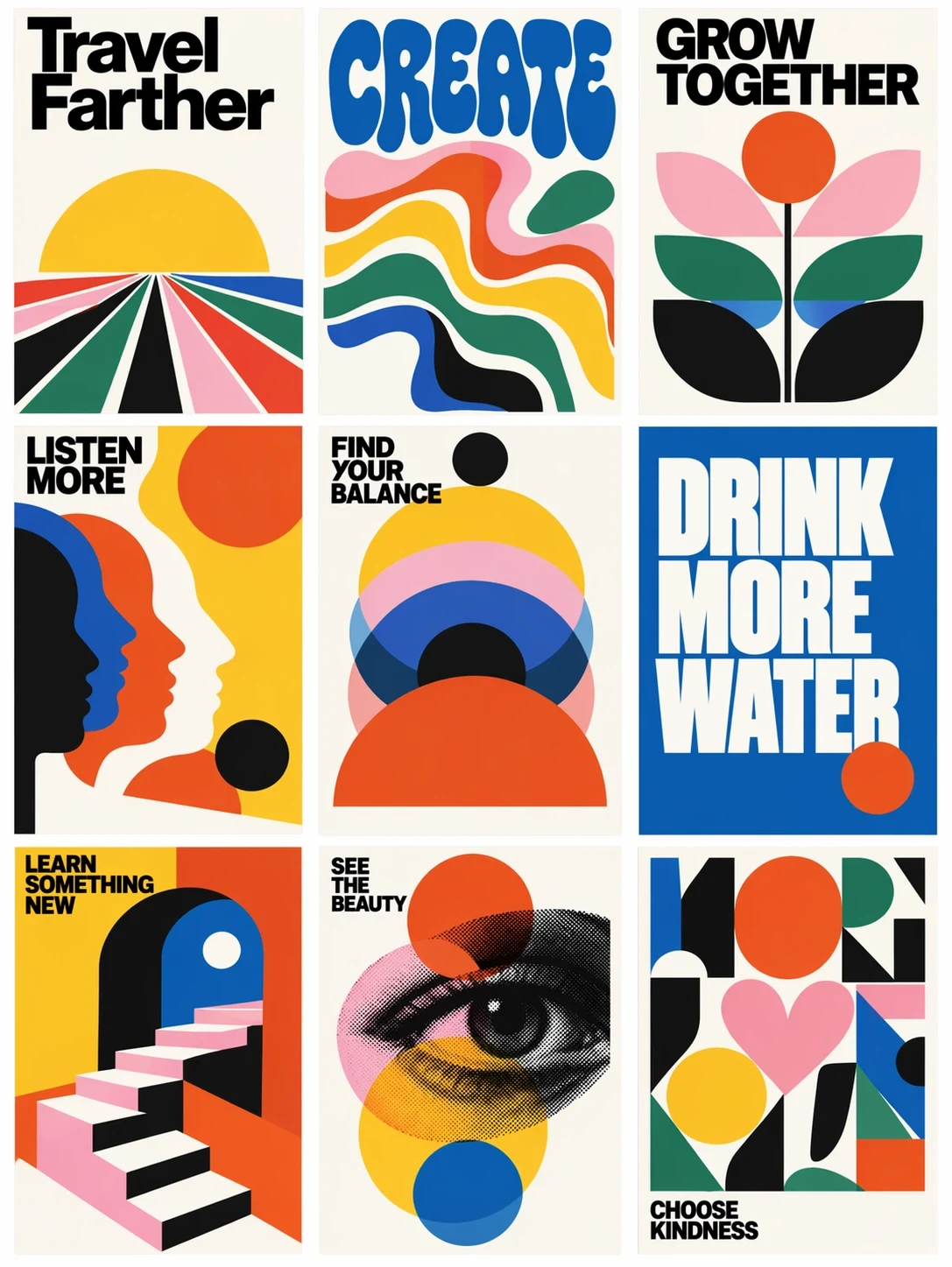
- Templates: start with common formats such as posters and merchandise instead of prompting from zero.
- Image comments: point to a specific part of an image and describe the edit there.
- Prompt sharing: share the prompt behind an image so others can adapt the result.
- Two API models: Flare prioritises speed and throughput; Sunburst prioritises premium detail and precision.
1. Better quality without giving up speed
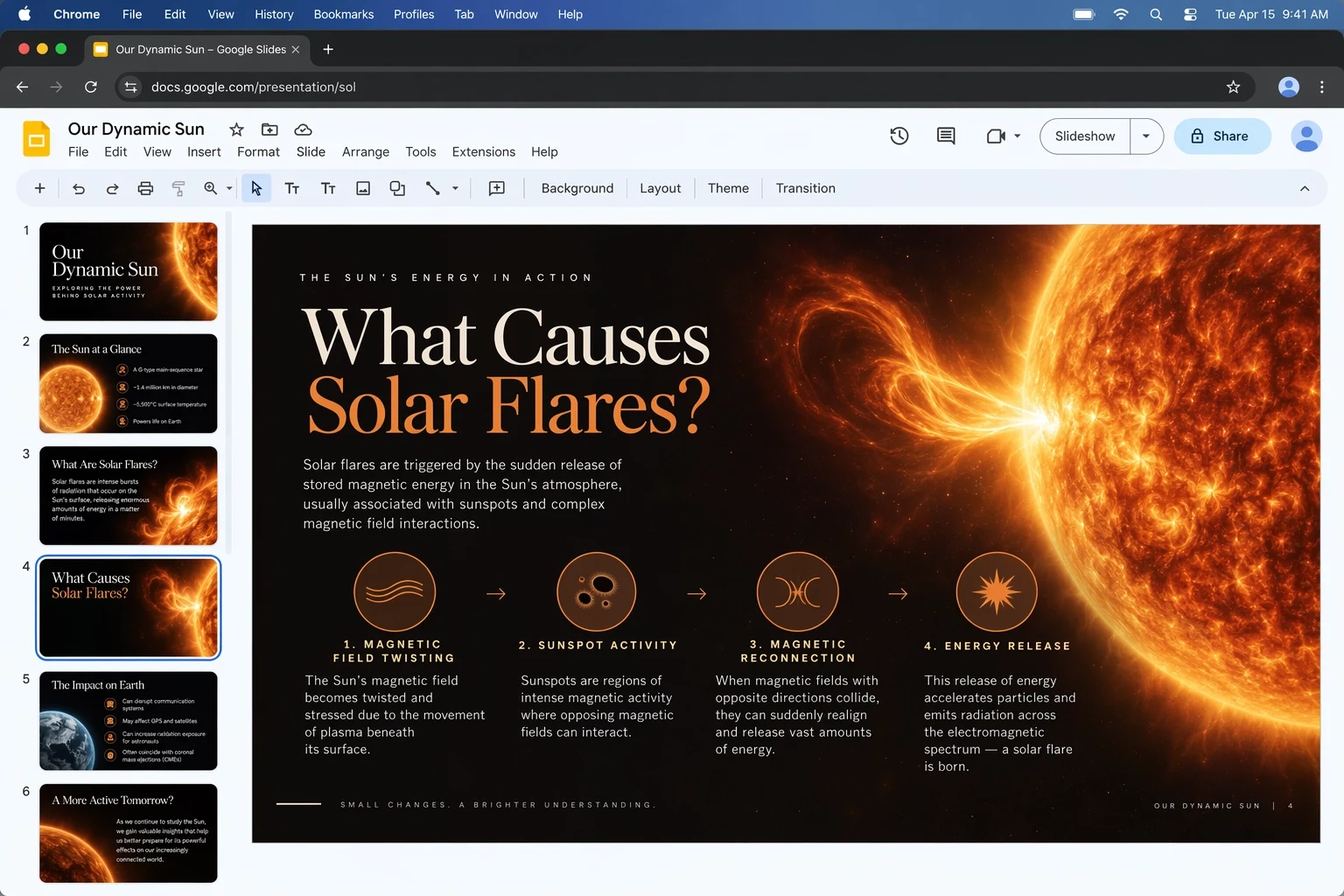
OpenAI describes Images 2.5 as its new state-of-the-art image model, with sharper details, more natural lighting, and richer textures. Those improvements matter most when a visual has several objects, styled typography, or a layout that needs to feel intentionally art-directed rather than merely plausible.
The other half of the update is responsiveness. OpenAI reports up to 50% lower latency compared with Images 2. The wording matters: up to is not a guarantee for every prompt, resolution, or service tier. Still, shorter waits can materially improve high-volume concepting and conversational iteration.
2. Reference photos stay more recognisable
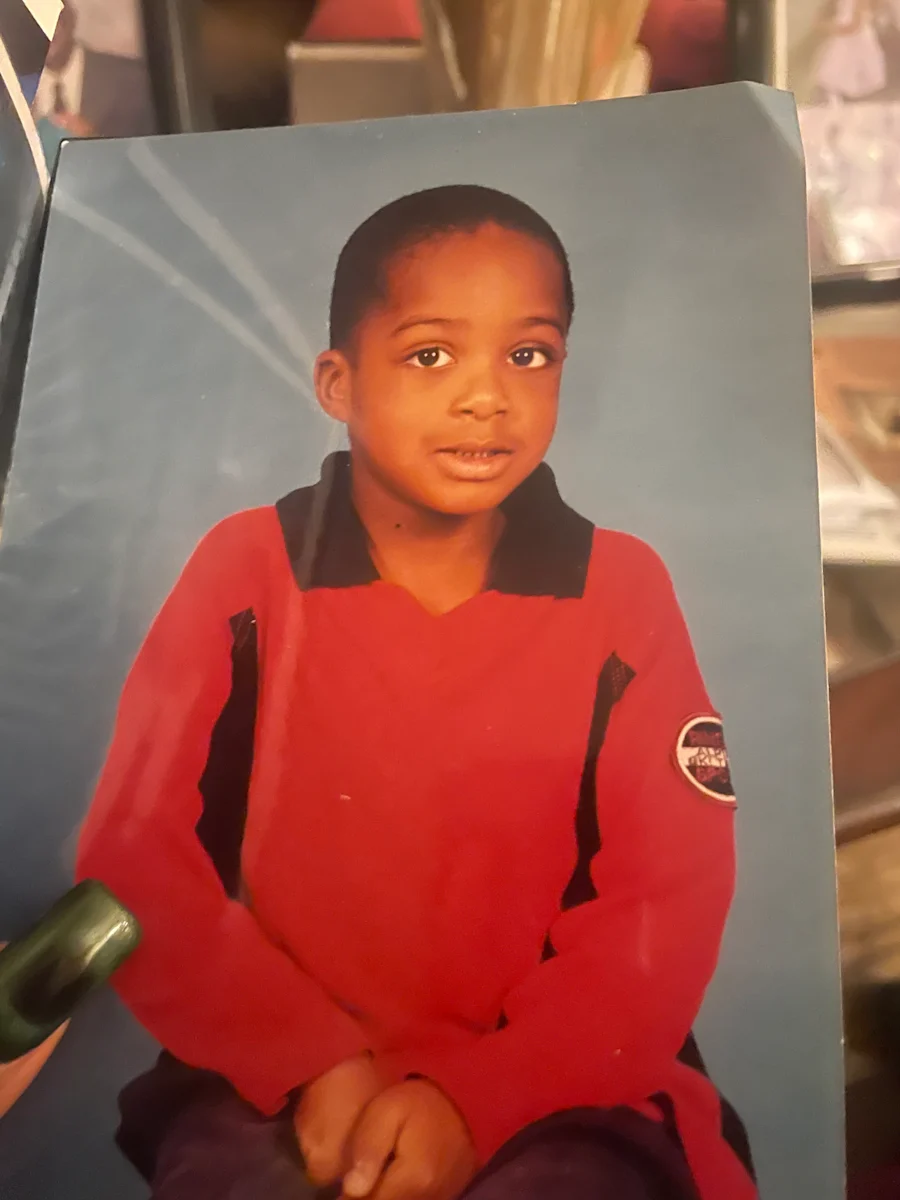
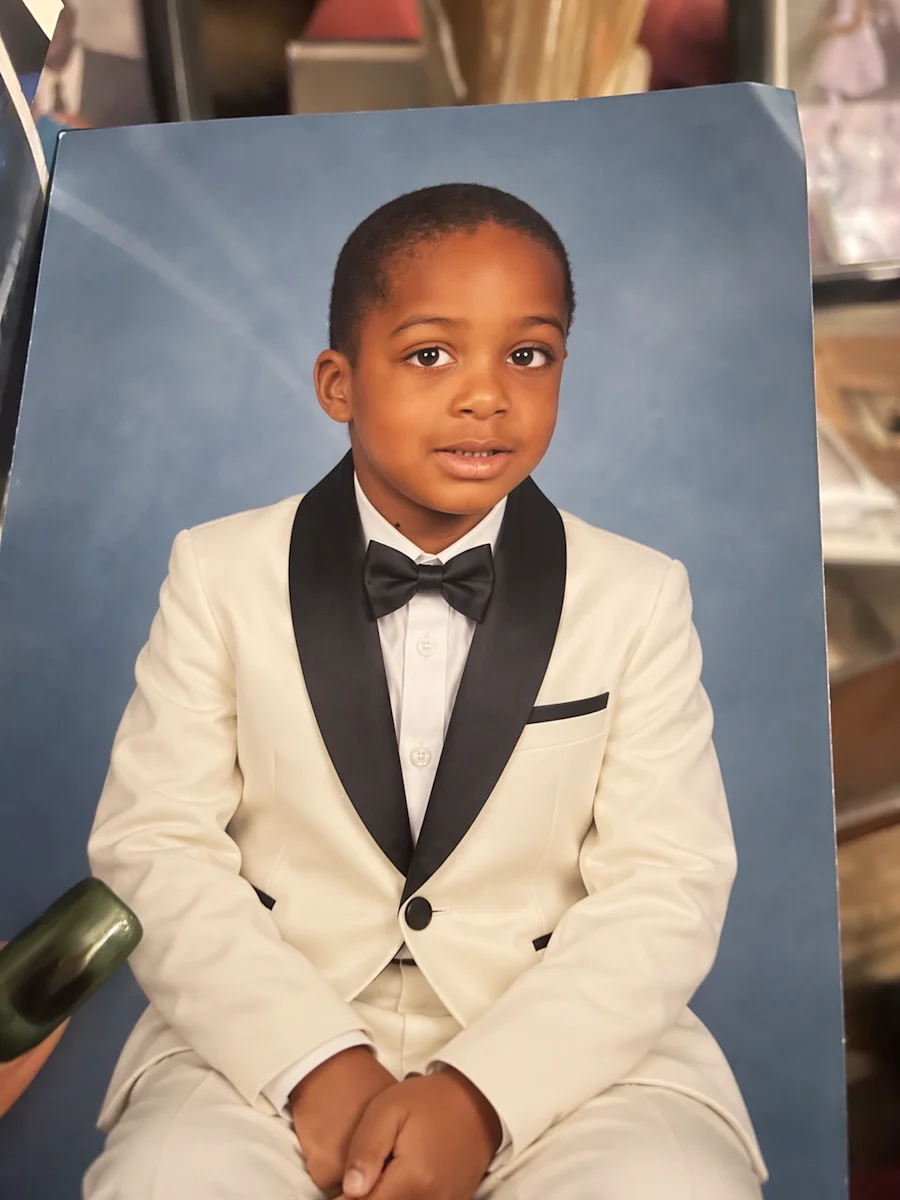
A recurring weakness in image generation is identity drift: edit the outfit and the face changes; change the background and the product loses its shape. Images 2.5 is built to preserve the subject in a reference photo more consistently. That is useful for campaign variations, product mockups, recurring characters, and personal photos where recognizability matters.
The official example below changes a child’s clothing while retaining the pose, expression, and blue studio backdrop. It is a useful test of selective transformation, though users should still inspect faces, hands, logos, and small text before publishing any generated asset.
3. Precision editing and image comments
Images 2.5 puts more emphasis on changing only what you ask for. Instead of regenerating the whole frame, you can describe a local adjustment and expect surrounding details to remain steadier. Image comments make that interaction more direct: select or point to an area, leave the instruction there, and continue refining.
This should be especially helpful for layout corrections, object replacement, color changes, small cleanup tasks, and stakeholder feedback. The best workflow is still incremental: make one meaningful change at a time, review the result, then continue.
4. Sketch turns rough drawings into prompts
Sketch gives users a visual way to specify composition. Type @Sketch in ChatGPT, draw a rough layout, and add text describing the intended style or result. The drawing does not need to be polished; its job is to communicate placement, scale, and relationships that are awkward to express in prose.
That makes Sketch useful for storyboards, room layouts, product concepts, diagrams, thumbnail composition, and campaign drafts. It also lowers the barrier for people who know what they want spatially but do not have the vocabulary of an illustrator or photographer.
5. Templates and shareable prompts
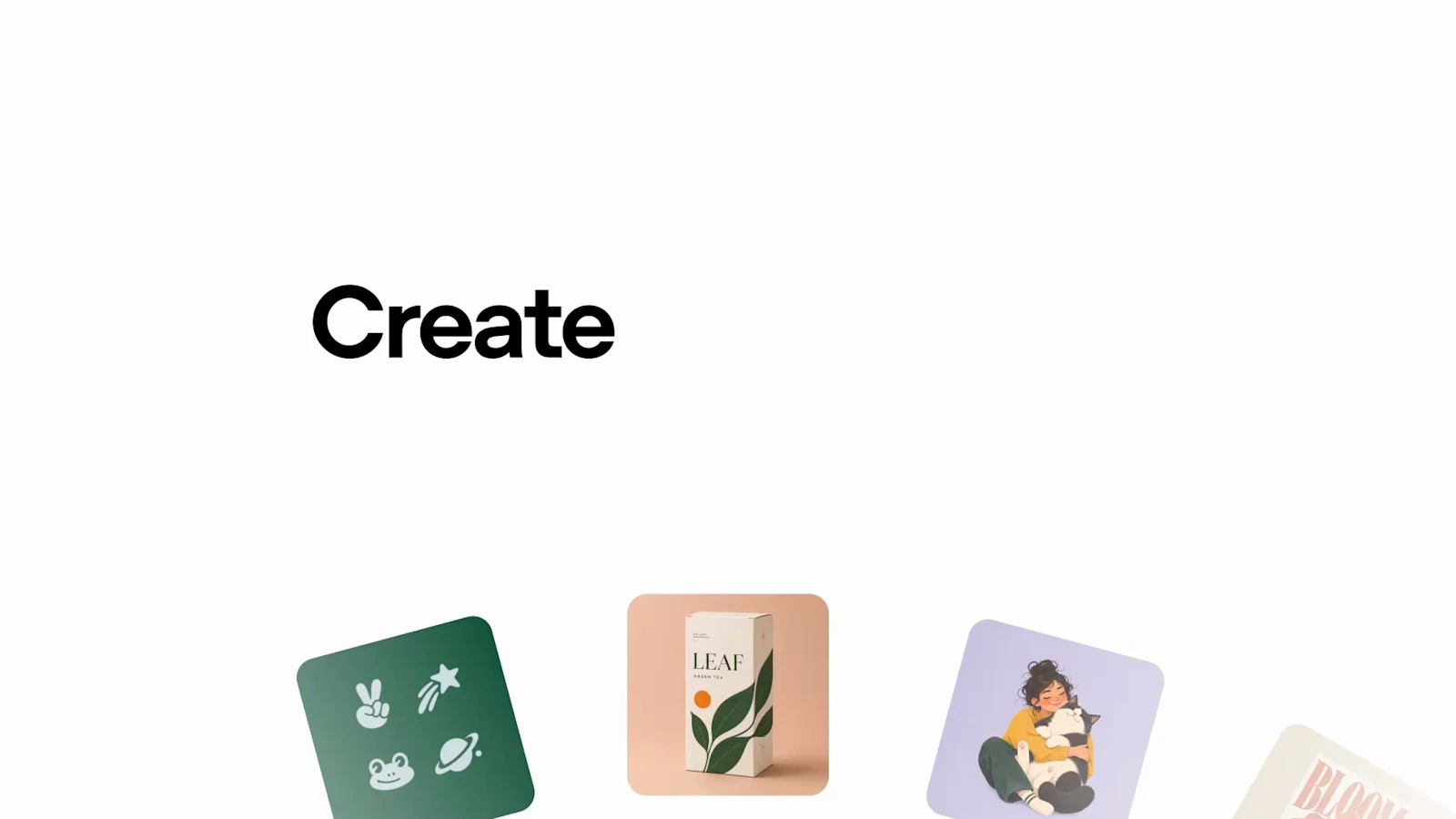
Templates provide starting points for repeatable formats such as posters and merchandise. They can save time when the output dimensions and visual hierarchy are already known. Prompt sharing complements this by making the creative recipe portable: collaborators can see the prompt behind a result and adapt it instead of reverse-engineering the image.
Together, these features make ChatGPT Images more team-friendly. A marketer can define a reusable format, a designer can refine the direction, and other contributors can create controlled variations without rebuilding the process from scratch.
6. Multi-turn editing for consistent creative work
Images 2.5 is also designed to preserve important details over a longer editing conversation. You can change a background, adjust a product color, revise the headline, and then alter the composition without losing every decision made earlier. That consistency is central to using AI images for real production rather than one-off experiments.
No model is perfectly deterministic, so keep the original reference and approved versions. For brand work, verify colours, trademarks, product geometry, and typography at full size before export.
7. GPT-Image-2.5 Flare vs Sunburst
Developers get two models for different priorities:
- GPT-Image-2.5 Flare is the default, faster option for everyday generation, previews, interactive editing, and high-volume workflows. OpenAI documents quality controls from low through max, plus auto.
- GPT-Image-2.5 Sunburst is the premium option for maximum precision and detail when a longer generation time is acceptable.
Flare is available through the Image API and through the image tool in the Responses API. The sensible production pattern is to iterate quickly with Flare, then reserve the premium model for final assets that genuinely benefit from the additional fidelity.
Availability
According to OpenAI, ChatGPT Images 2.5 is rolling out across ChatGPT, ChatGPT Work, and Codex on web, desktop, and mobile, with access across tiers. Exact limits and availability can vary by plan, platform, region, and rollout timing.
Open ChatGPT and try Images 2.5
Safety, provenance, and responsible use
More photorealistic generation also increases the risk of convincing fake media. OpenAI says Images 2.5 retains C2PA metadata and invisible watermarking, with prompt and image safeguards layered on top of the previous system. Those measures help with provenance, but they do not replace editorial judgment.
Get permission before using a person’s likeness, avoid deceptive context, label synthetic media when audiences could reasonably mistake it for a real event, and do not rely on generated diagrams or text for high-stakes accuracy without verification.
Who should try ChatGPT Images 2.5?
- Creators: faster concept art, thumbnails, posters, and iterative visual stories.
- Marketing teams: campaign variants, product scenes, social creative, and reusable templates.
- Designers: rough-layout translation, local edits, reference-based exploration, and stakeholder comments.
- Developers: scalable generation and editing through Flare or higher-fidelity output through Sunburst.
- Educators and communicators: diagrams, slides, and visuals that combine structured text with imagery.
Verdict
ChatGPT Images 2.5 is most compelling because its improvements reinforce one another. Faster generation invites iteration; precision editing makes those iterations less destructive; reference fidelity supports continuity; and Sketch, comments, templates, and prompt sharing give people clearer ways to communicate intent.
The update does not remove the need for review, especially around text, factual diagrams, likenesses, and brand details. But for users who want to move from a rough idea to a controlled visual through conversation, Images 2.5 looks like a meaningful workflow upgrade.
Source note: This review is based on OpenAI’s 8 September 2026 announcement, official ChatGPT release notes, API model documentation, and safety evaluations. Features, limits, and pricing may change.
What the two API models cost
The draft version of this piece said Images 2.5 shipped “two API models aimed at different production needs” without saying what either costs. Here is the answer, from OpenAI’s own model pages — and it is more interesting than expected.
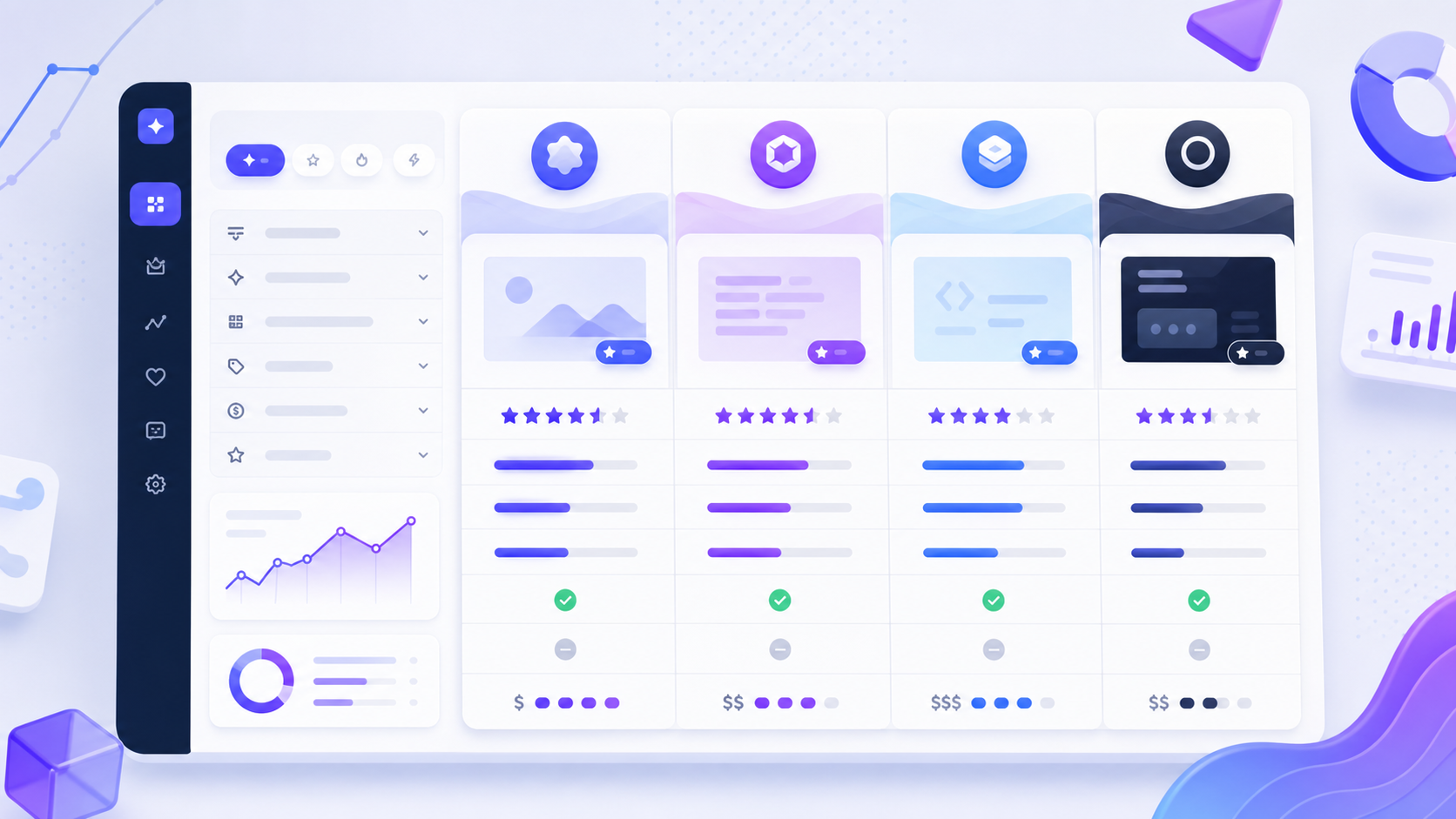
| Metric | GPT-Image-2.5 Flare | GPT-Image-2.5 Sunburst |
|---|---|---|
| Text input | $5 / 1M tokens | $5 / 1M tokens |
| Cached text input | $1.25 / 1M tokens | $1.25 / 1M tokens |
| Image input | $8 / 1M tokens | $8 / 1M tokens |
| Cached image input | $2 / 1M tokens | $2 / 1M tokens |
| Image output | $30 / 1M standard, $15 batch | $30 / 1M standard, $15 batch |
They are priced identically. Every published figure matches across the two models, which means the decision between Flare and Sunburst is not a budget decision at all — it is latency against detail. OpenAI positions Flare as “the default choice for most applications, delivering higher-quality images than GPT‑Image‑2 at 50% lower latency”, with Sunburst for premium detail and precision.
The practical implication: if you were planning to default to Flare to save money, there is no money to save. Use Sunburst wherever the output is going in front of a customer and Flare where throughput matters, and note that batch processing halves image output cost on either.
What we could not verify
Open questions, stated plainly
- The 50% latency figure in practice. OpenAI’s wording is “up to 50%” against Images 2. We have not benchmarked it, and “up to” is not a promise for any given prompt, resolution or tier.
- What an image actually costs. Pricing is per million tokens, and OpenAI does not publish a tokens-per-image figure, so you cannot convert these rates into a cost per picture without measuring your own usage.
- Which ChatGPT plans include Sketch and templates. OpenAI’s announcement does not state tier requirements for the ChatGPT-side features.
- Whether quality claims hold on faces, hands and small text. Reference fidelity is improved by OpenAI’s account. We have not run a controlled test, and these remain the things to inspect before publishing any generated asset.
- Rate limits. Not stated on either model page.
Every feature and figure above was read off OpenAI’s own pages and re-verified on 12 October 2026: the launch announcement at openai.com/index/introducing-chatgpt-images-2-5/ (dated 8 September 2026), and the API model pages at developers.openai.com for GPT-Image-2.5 Flare and Sunburst. OpenAI changes model pricing without notice; if anything moves materially, this post gets a dated update box rather than a silent edit.
Frequently asked questions
When did ChatGPT Images 2.5 launch?
8 September 2026, announced by OpenAI alongside two API models, GPT-Image-2.5 Flare and GPT-Image-2.5 Sunburst.
Is Images 2.5 actually faster?
OpenAI states image generation latency is reduced by up to 50% compared with Images 2, and describes Flare as delivering higher-quality images than GPT-Image-2 at 50% lower latency. Both are vendor figures phrased as “up to”, and we have not benchmarked them.
What is the difference between Flare and Sunburst?
Flare prioritises speed and throughput and is OpenAI’s default recommendation for most applications; Sunburst prioritises premium detail and precision. Their published token pricing is identical, so the choice is about latency and output quality rather than cost.
How much does the Images 2.5 API cost?
For both Flare and Sunburst: text input $5 per million tokens, cached text input $1.25, image input $8, cached image input $2, and image output $30 per million tokens with standard processing or $15 with batch processing. OpenAI does not publish a tokens-per-image figure, so a per-image cost has to be measured rather than calculated.
What is Sketch in ChatGPT?
A way to specify composition visually. Type @Sketch in ChatGPT, draw a rough layout, and add text describing the intended style. The drawing communicates placement, scale and spatial relationships that are awkward to put into prose.
Can I share the prompt behind an image?
Yes. Prompt sharing lets collaborators see the prompt behind a result and adapt it rather than reverse-engineering the image, which pairs with templates for repeatable formats such as posters and merchandise.
Related guides