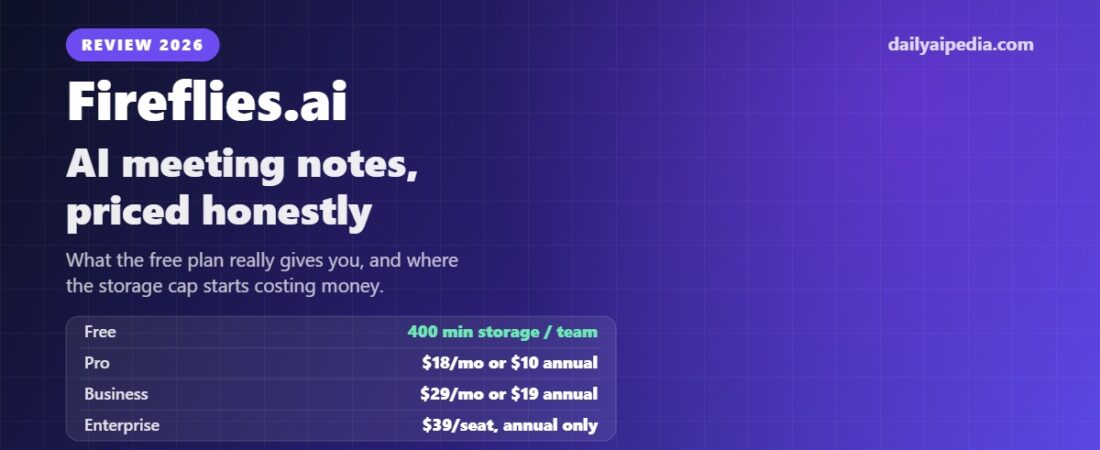
Fireflies.ai Review 2026: AI Meeting Notes, Storage Limits and Pricing
Fireflies.ai is a meeting assistant that joins your calls, records and transcribes them, then writes the summary and pulls out the action items. It works across Zoom, Google.
Fireflies.ai is a meeting assistant that joins your calls, records and transcribes them, then writes the summary and pulls out the action items. It works across Zoom, Google Meet, Microsoft Teams and a dozen other platforms, and it has one of the most generous free tiers in the category — with one catch that most reviews skip past. We read the pricing page on 16 September 2026 and this review reflects what it says today.
Affiliate disclosure: this article contains referral links. If you sign up through them, DailyAIPedia may earn a commission at no extra cost to you. It does not change what we publish. Plans and prices change — the figures here were read off the vendor’s own pricing page on the date above.
What Fireflies actually does
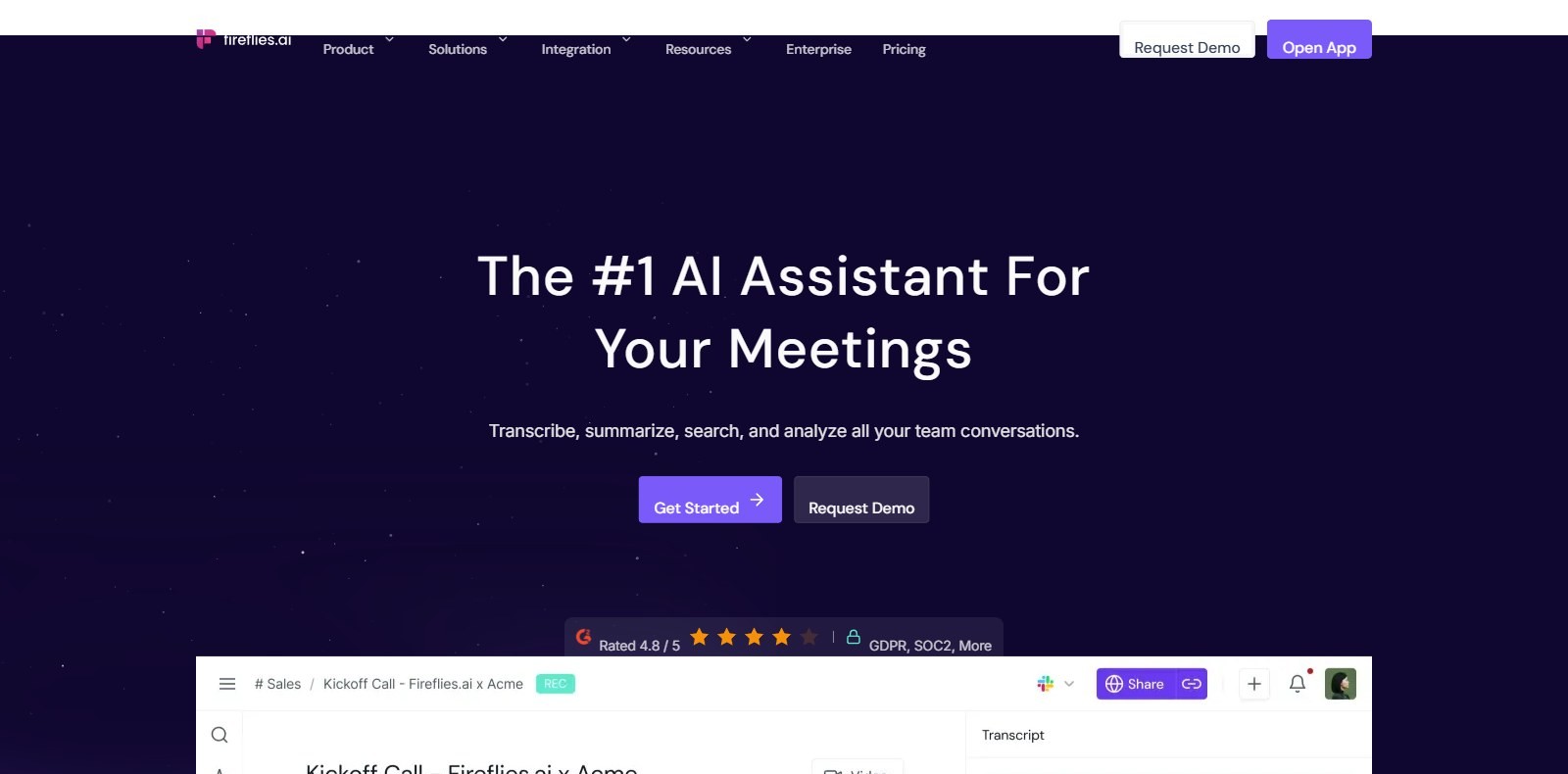
A bot called Fred joins your meeting from your calendar, records it, and produces a searchable transcript with timestamps and speaker labels. After the call you get an AI summary, a list of action items, and the ability to ask questions about what was said through an assistant called AskFred.
Beyond that core loop, the platform adds meeting search across your whole history, topic trackers, sentiment analysis, speaker talk-time analytics, and integrations that push notes into your CRM or project tool. There is API access on every tier, including free, which is unusual.
It covers Zoom, Google Meet and Microsoft Teams natively, plus a Chrome extension that can record without the bot joining — useful if you would rather not have a visible participant in a client call.
The free plan, and the catch
Fireflies advertises unlimited transcription on the free plan, and that is technically true. You can transcribe as many meetings as you like.
The limit is storage: 400 minutes per team. Not per user — per team. That is roughly six and a half hours of recordings, total, ever. Once you hit it you are deleting old meetings to make room for new ones. You also get limited AI summaries, 20 AI credits, no video capture, no downloads, and AskFred in a restricted form.
So the free tier is a genuine trial of the full workflow rather than a permanent solution for anyone who meets regularly. For a freelancer with four client calls a month it might hold for a while. For a team it will not last the first fortnight.
Fireflies.ai pricing in 2026
Plans move; the figures below were verified on the date in the footer. Check the current Fireflies pricing before you subscribe.
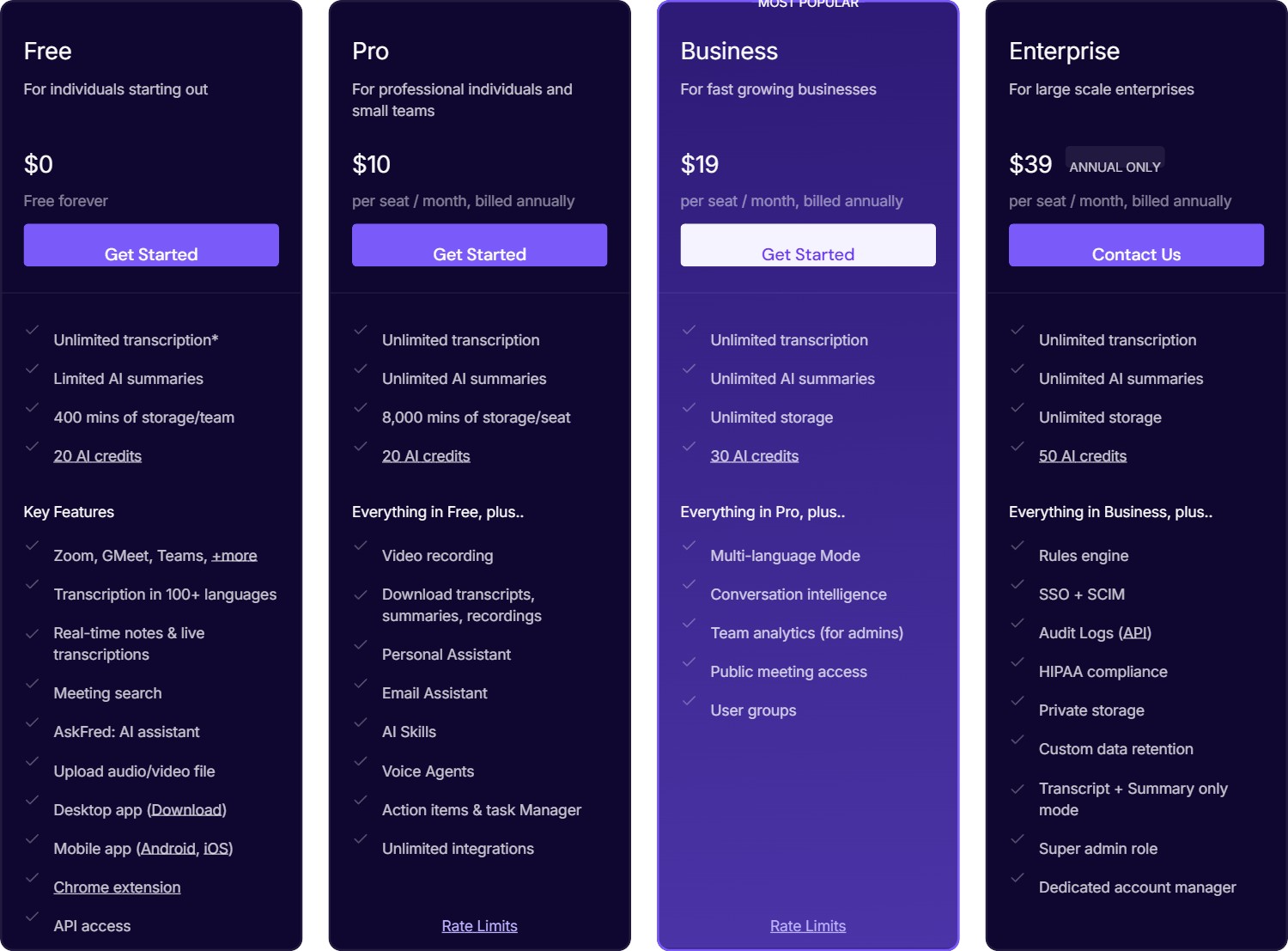
Four tiers, priced per seat. The large number is what you pay month to month; the smaller one is the effective monthly rate if you pay for a year up front.
| Plan | Price | Storage | What it unlocks |
|---|---|---|---|
| Free | $0 | 400 min per team | Unlimited transcription, limited summaries, 20 AI credits, API access |
| Pro | $18/seat/mo, or $10 billed annually | 8,000 min per seat | Unlimited AI summaries, 720p video recording, downloads, AI Skills, Voice Agents, unlimited integrations |
| Busines Related: if the job is outbound calling rather than meeting notes, see our Close CRM review for 2026 — verified plan pricing, the usage costs on top of each seat, and what the Chloe AI sales agent can and cannot do. s | $29/seat/mo, or $19 billed annually | Unlimited | 30 AI credits, conversation intelligence, team analytics, multi-language mode, 3-hour recordings |
| Enterprise | $39/seat/mo, annual billing only | Unlimited | 50 AI credits, SSO and SCIM, HIPAA compliance, audit logs, private storage, custom retention, 1080p video |
Two things stand out. First, the annual discount is steep — 44% off Pro, 34% off Business — so the monthly price is really there to push you onto a year. Second, Enterprise has no monthly option at all, which matters if you need HIPAA and were hoping to trial it.
Where the real limits sit
- Storage, not minutes, is the constraint. “Unlimited transcription” is the headline on every tier, but what you are actually buying is retention. Free gives 400 minutes per team, Pro gives 8,000 per seat, and only Business and above are genuinely unlimited.
- Recording length is capped per plan. Two hours on Free and Pro, three on Business, four on Enterprise. Long workshops and all-day sessions will get cut.
- Video quality is tiered. 720p on Pro and Business, 1080p only on Enterprise. Free has no video capture at all.
- AI credits are separate from transcription. 20 on Free and Pro, 30 on Business, 50 on Enterprise. These meter the AI features rather than the notes themselves.
- The language claim needs reading carefully. The marketing says 100+ languages. The support page is more precise: English is the primary supported language, with Spanish, French, Portuguese and Italian alongside it, and the remaining 100+ described as beta. If you run meetings in a language outside that shortlist, test before you commit.
- HIPAA is Enterprise-only. SOC 2 Type II and GDPR apply across the board, but healthcare teams are looking at $39 a seat with a yearly commitment.
How it compares to Otter.ai
These two get shortlisted together constantly, and they fail in opposite directions.
Otter‘s free plan gives 300 transcription minutes a month but caps each individual conversation at 30 minutes, and allows only three file imports for the lifetime of the account. Fireflies does not cap your monthly minutes at all — it caps what you can keep. If you record a lot and delete as you go, Fireflies free stretches further. If you record rarely but your calls run long, Otter’s per-conversation ceiling is the thing that will bite.
On paid plans the gap narrows: Otter Pro is $16.99/mo ($8.33 annually), Fireflies Pro is $18 ($10 annually). Otter supports six languages properly; Fireflies claims far more but with the beta caveat above. Fireflies gives you API access on every tier, which Otter does not.
Our AI voice tool pricing tracker has both side by side with the other fourteen tools we follow, re-checked at the start of each month.
Who Fireflies is for
It fits people whose problem is volume: sales teams running back-to-back discovery calls, agencies juggling client accounts, recruiters screening candidates, founders who take six calls a day and remember none of them. The searchable archive is the real product — being able to ask what a client said about budget in March is worth more than the summary of any single call.
It is a weaker fit if you meet occasionally, if most of your calls are in a language outside the supported shortlist, if you need HIPAA without an enterprise budget, or if having a visible bot join client calls would be awkward. The Chrome extension partly solves that last one, but not for every platform.
Verdict
Fireflies is one of the better-value meeting assistants once you understand what you are actually paying for. The headline “unlimited transcription” is honest but incomplete; the number that decides your plan is storage, and for most teams that means Business at $19 a seat annually rather than Pro. That is still reasonable for what it replaces.
Start on the free plan and record a normal fortnight of meetings. You will hit the 400-minute ceiling quickly enough to learn whether the summaries and the search are good enough to pay for — which is the only question that matters.
Choose Fireflies if you run a high volume of calls and want a searchable archive with API access on every tier. Budget for Business if you are a team — the free and Pro storage caps are the real limit, not the transcription.
Read next
- AI Voice Tool Picker — five questions and we will tell you whether Fireflies or something else fits your budget and volume.
- AI Voice Tool Pricing Tracker — verified prices for 16 voice, dictation and meeting tools, re-checked monthly.
- Wispr Flow review — if what you actually want is dictation rather than meeting notes.
Related guides
- Best AI Meeting Assistants for Remote Teams
- Wispr Flow Review 2026: AI Voice Dictation, Notetaker, Pricing and Features
- AI Voice Tool Pricing Tracker: 16 Tools, Verified Every Month
- AI Voice Tool Picker: Answer 5 Questions, Get the Right Tool
- Fireflies Voice Agents: AI That Runs Your Calls, and the Hiring Rules That Come With It